VIVOTEK - Built with Reliability
User's Manual - 89
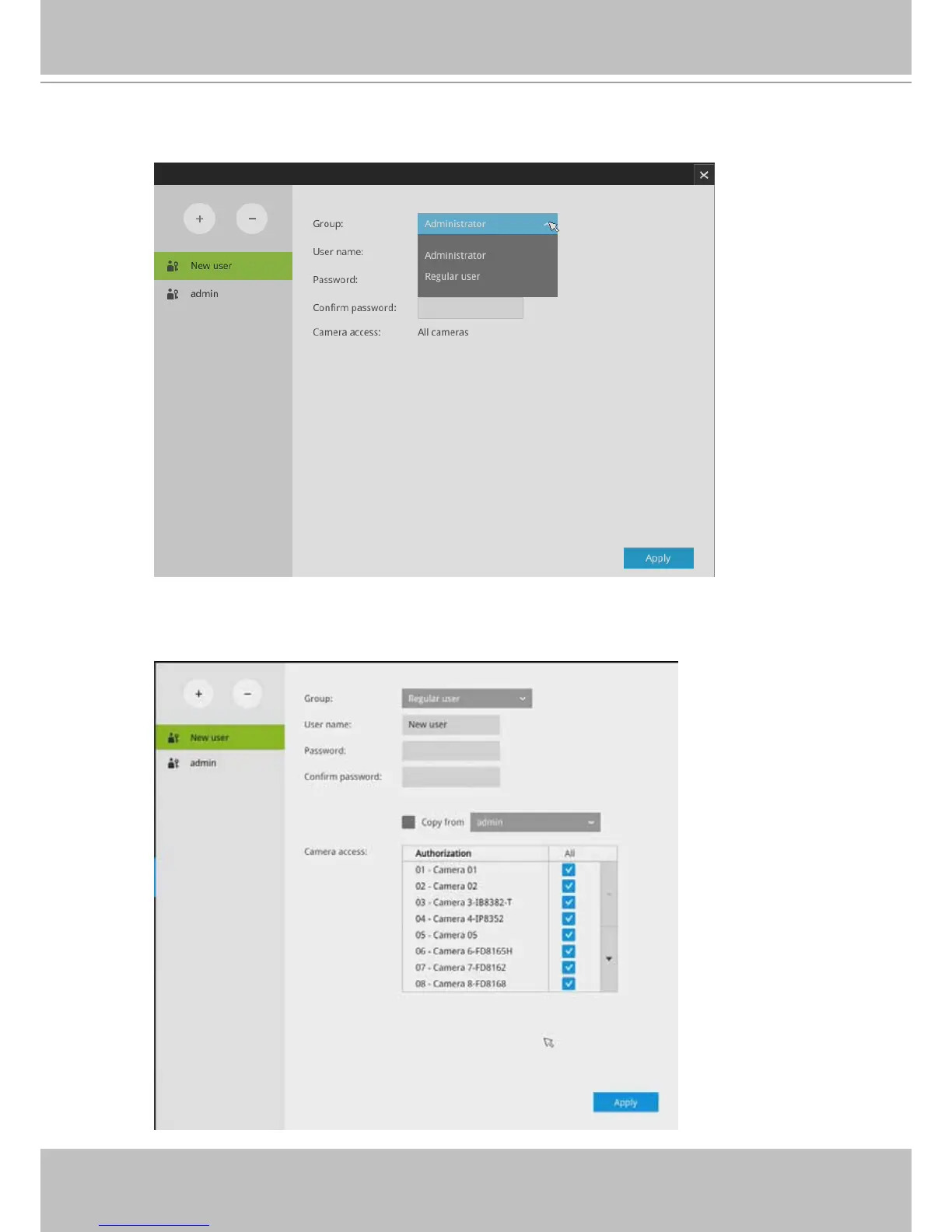
To create or edit users,
1. Select a User group by unfolding its pull-down menu. Select either an Administrator or
regular user as the user group.
2. Enter the User name and password. The max. number of characters for a user name is
64, with alphabetic and numeric characters including [0-9][a-z][A-Z][_][ ][-][.][,][@]. The
max. number for password is also 64.



 To Next Page