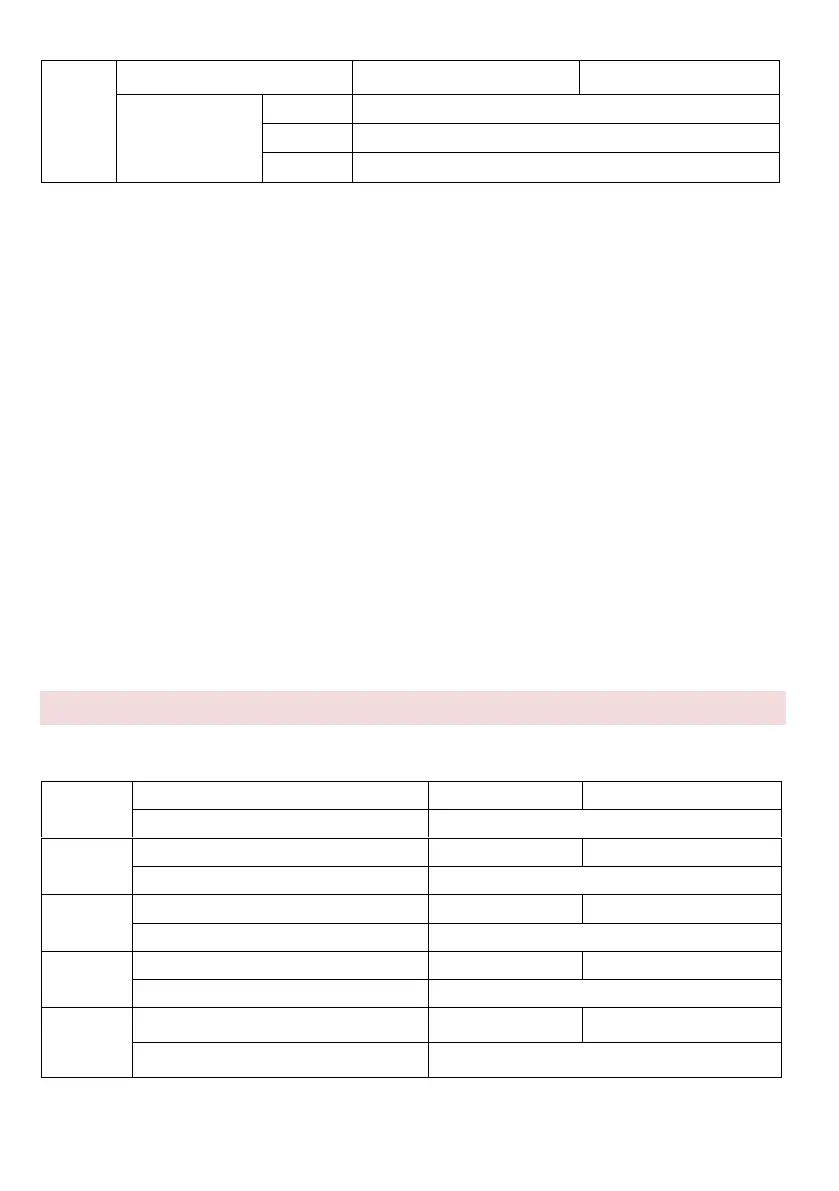
0: Automatic tuning is disabled.
1: Asynchronous motor - static auto-tuning
Applies to situations where complete automatic tuning cannot be performed because the
asynchronous motor cannot easily be disconnected from the load.
Before performing static automatic tuning, first set the motor type and motor nameplate
parameters correctly in parameters P2.00 - P2.05. The AC unit detects static auto-tuning
three parameters P2.06 to P2.08. Activity description: set this parameter to 1 and press
RUN. Then the AC drive starts static auto-tuning.
2: Asynchronous motor - complete auto-tuning
To perform this type of automatic tuning, make sure the motor is disconnected from the
load. During the full automatic adjustment process, the static automatic tuning is first
performed by the AC inverter and then accelerated to 80% of the rated motor frequency
within the acceleration time set in P0.08. The motor runs for some time and then
deceleration to stop according to the deceleration time set in P0.09. Set this parameter to
2 and press RUN. Then the inverter starts full automatic tuning.
NOTE: auto-tuning of the motor can only be done in the control panel mode.
Group P3: Vector Control Parameters
P3 group code function applies only to vector control, V/F control is blocked.



 To Next Page