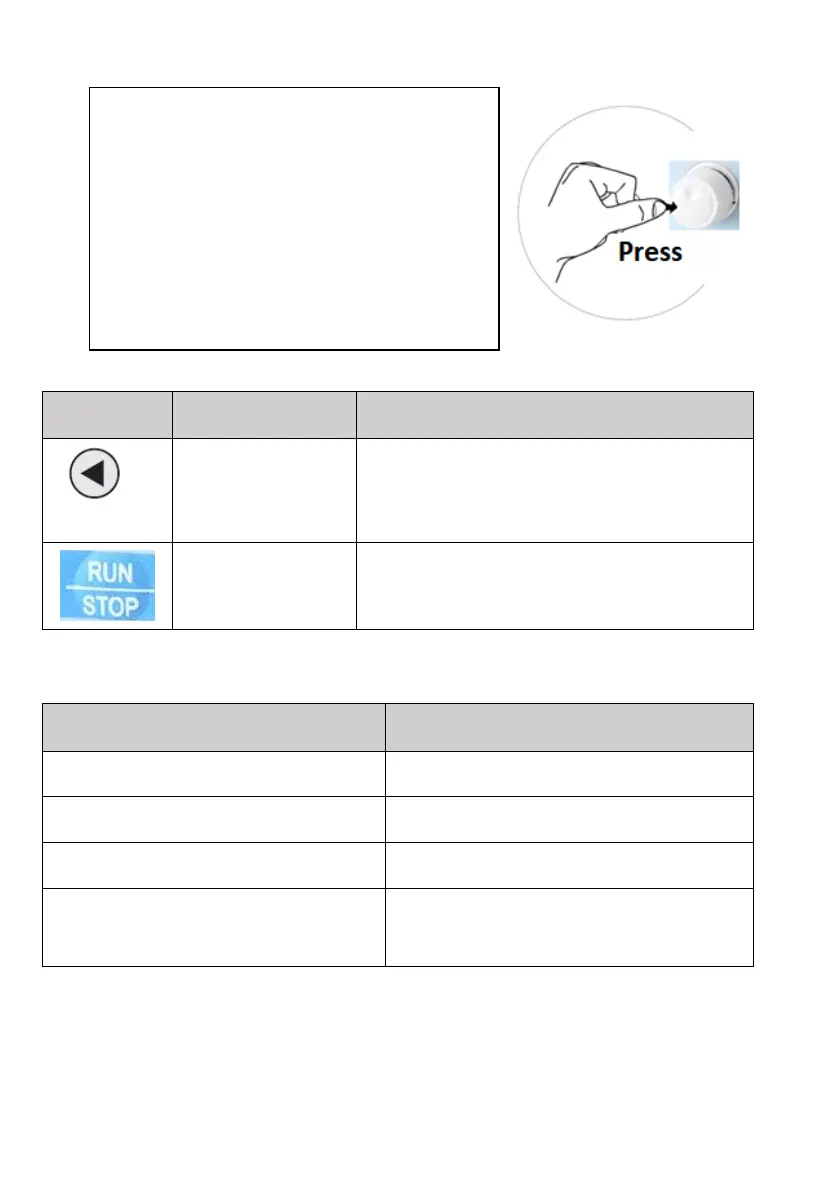
In parameter setting mode, press this button to
select the bit you want to edit. In other modes,
it displays the parameters by scrolling to the
right
Start and Stop of the inverter in keypad control
mode.
3.1.3 Description of the light indicator
The name of the light indicator
Description of the light indicator
Off (light off): forward.
On (light on): reverse operation.
Briefly "push and release" the rotary knob and
the display will gradually show other
quantities after each push:
- operating frequency in Hz
- set frequency Hz
- the value of the current DC voltage
- output current A
- output power
* It depends on the setting of bits in P7.03



 To Next Page