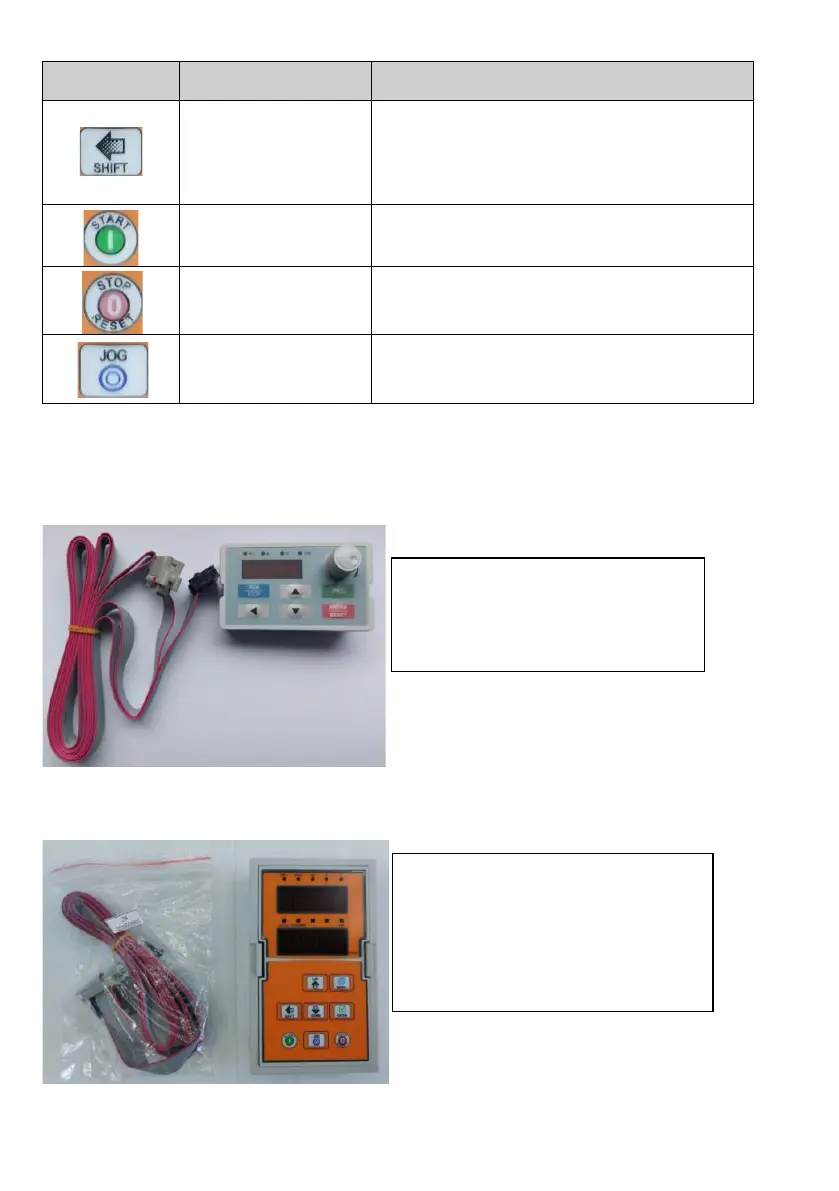
In parameter setting mode, press this button
to select the bit you want to edit. In other
modes, it displays the parameters by
scrolling to the right
Press the button to start the inverter
Press the button to stop the inverter, or in
the event of a malfunction, reset the error
Multifunctional button JOG, (slow motion),
adjustable in P7.01
Accessories: It is possible to purchase an extension cable and an external display for the
inverter. The cable is custom-made according to the request in a length of 2 to 30 m.
Extension cable and external
display suitable for V800 power
series inverters from 0.4 kW to 30
kW Type: DP6E2
Extension cable and external
display suitable for V800 power
series inverters from 37 kW to 200
kW Type: DP6G3



 To Next Page