188
W&T Status and error messages
24�1 Menu Setup Port x r Port State
In this menu you will find information about the configured
TCP/IP mode of the Com-Server port, the status of the net-
work connection and a listing of error which occured. In addi-
tion, Clear Port Mode can be used to clear a fixed set mode.
n
Connection State
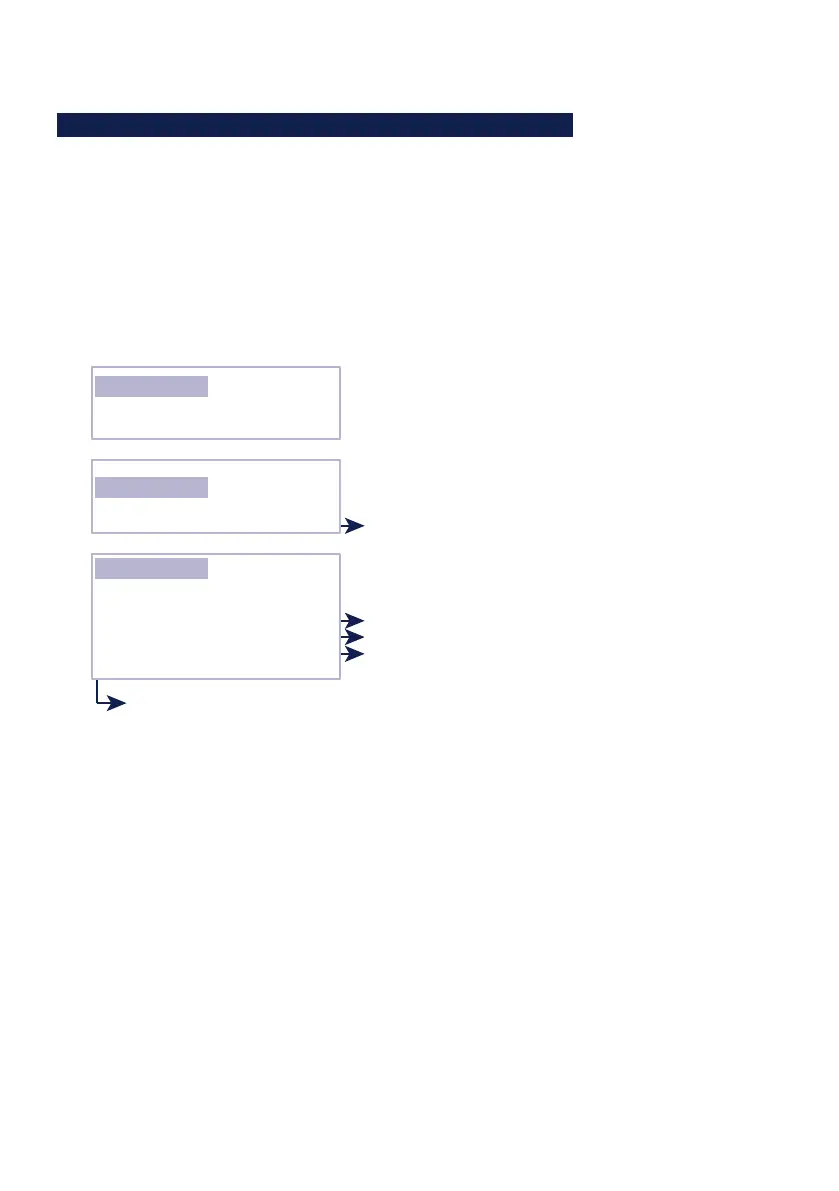
This menu permits online connection control. The display
is organized as follows:
Connection State
FREE
Connection State
TCP Client
DNS: [URL] = [IP-Adresse] [DNS-TTL]
Locked: Port 2000 (172.016.231.001)
Connection State
In Use: Port 2000 (172.016.231.001)
Configured TCP/IP mode
Connection state client mode:
Unlock:
Locked:
Scanning:
Disconnect:
Server address
Client address
DNS result
The port is configured for the indicated mode but has
no active connection.
The port is configured for the indicated mode and has
an active connection to the configured server.
The Com-Server wants to open a connection and
searches for the configured server.
(in Box-to-Box mode the slave or master port)
The Com-Server wants to open a connection but it is
refused by the server.
The port is in standard mode and
has no connection
The port is in server mode and has a
connection to the process having the
port no. 2000 on the TCP/IP station
having IP address 172.16.231.1
The port is configured as a TCP client
and has a connection to the server
process having port no. 2000 on IP
station having IP address 172.16.231.1
The display is updated by exiting and then reselecting the
menu item Connection State.
n
Byte Counter
Counters for serial transmitted and received bytes since
the last reset.



 To Next Page