208
W&T Firmware update of the Com-Server
26�1 Where do I get the current firmware?
The most current firmware including update tools and a revi-
sion list is published on our Web site at the following address:
http://www.wut.de
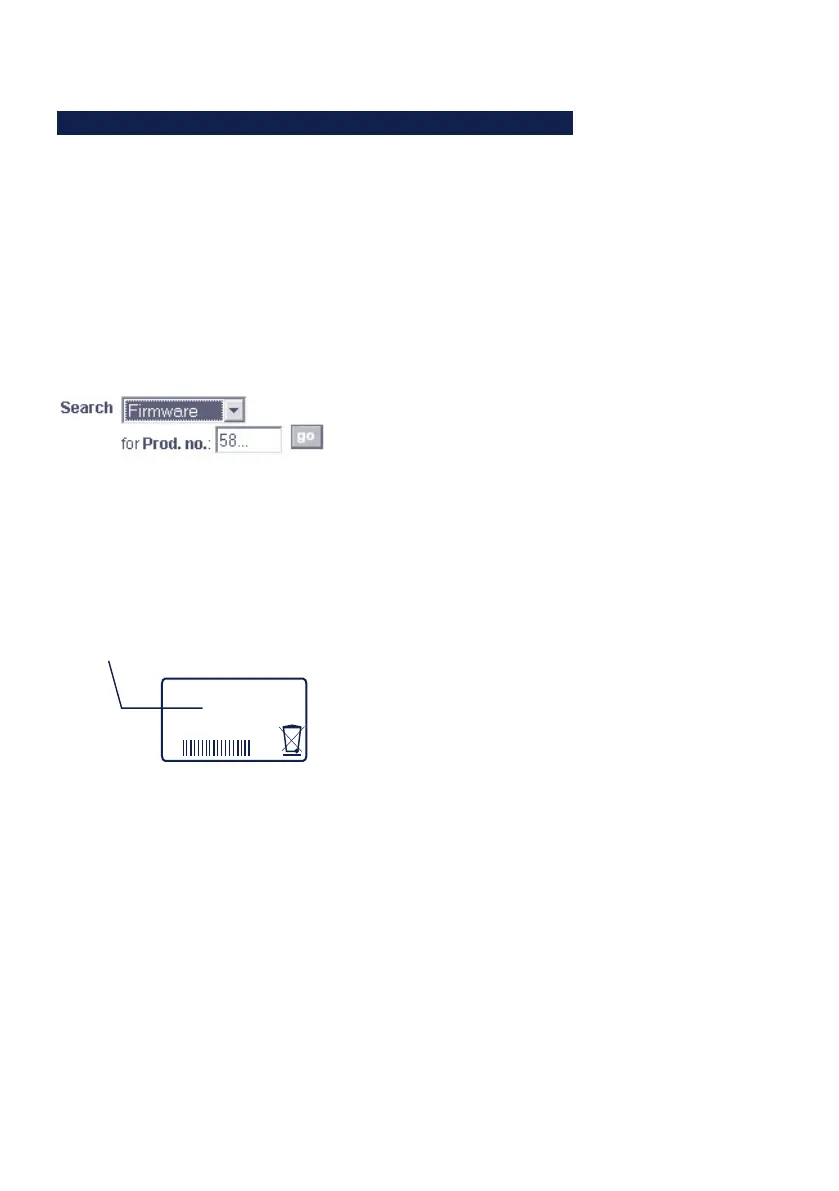
From there it is easiest to navigate using the Search function
located on the left side. In the entry field first enter the mo-
del number of your device. Select Firmware in the associated
selection box and click on the Go button.
This takes you directly to the page with the most up-to-date
firmware for your Com-Server model.
If you do not know the model number, you can find it on the
sticker located on the narrow side of the enclosure, likewise
the Ethernet address.
Model number
EN = 00c0:3d01:0203
5xxxx [TB number
and/or model name]
OK +0123456789
1
In particular if the sticker indicates an TB number
as the part number, it is possible that the Com-Server
has a special, customer-specific firmware or configuration.
Please contact the responsible administrator in such cases
before the update.



 To Next Page