52
W&T Configuration access to the Com-Server
SAVE Setup item. After you have quit the Telnet session, you
can now access the Com-Server using an Internet browser.
7�3�4 Starting and navigating the WBM
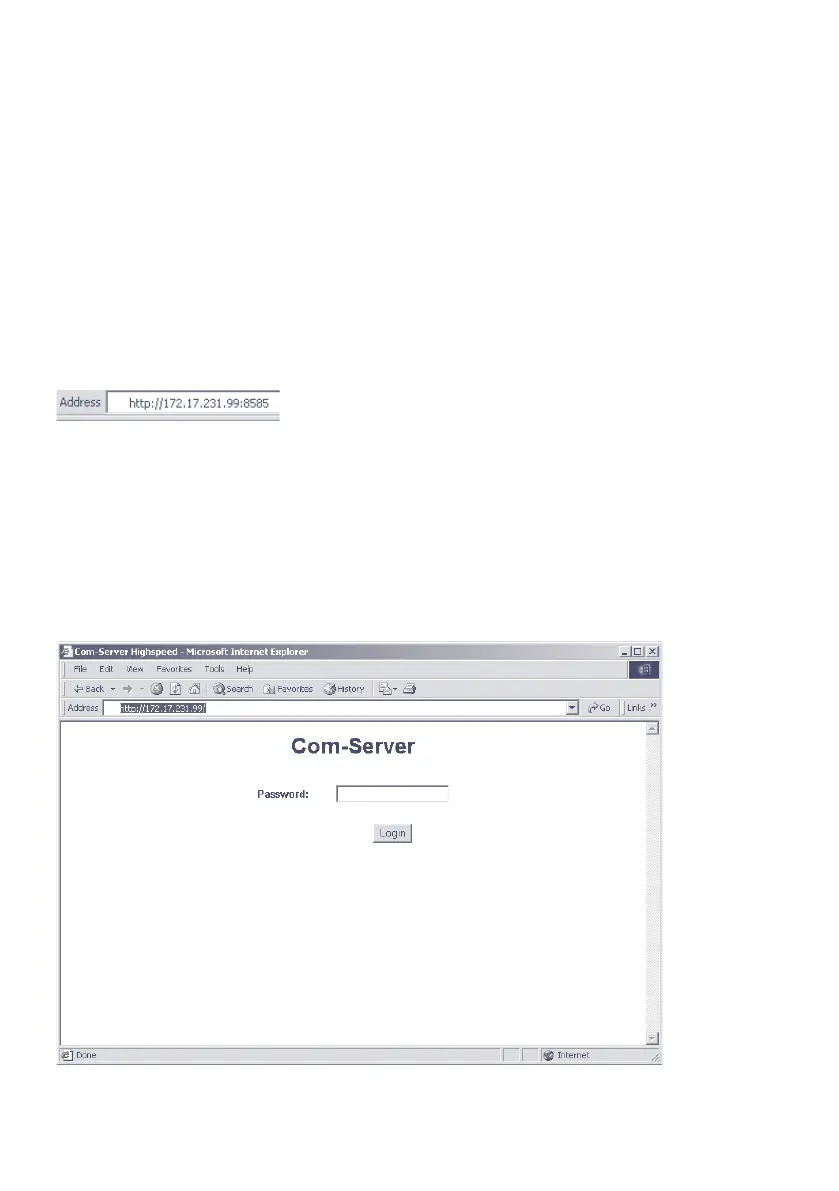
To access the Web pages after activating the WBM, start your
Internet browser and enter the IP address of the Com-Server
and the configured port number in the address line:
http://[IP-Adresse]:[Portnummer]
If the HTTP standard port 80 was configured for WBM, you do
not need to explicitly indicate the port number in the address
line.
You will now be given the start page of the Com-Server with
the system password prompt. The factory default setting is
no system password, so that you can get to the configuration
menu by simply actuating the login button.



 To Next Page