53
W&T Configuration access to the Com-Server
Subject to error and alteration
Navigation
Since the WBM of the Com-Server is session-oriented, you
must use backlinks and corresponding control buttons to
navigate to the individual Web pages. Using the Back function
in the browser can lead to problems in accepting the set pa-
rameters.
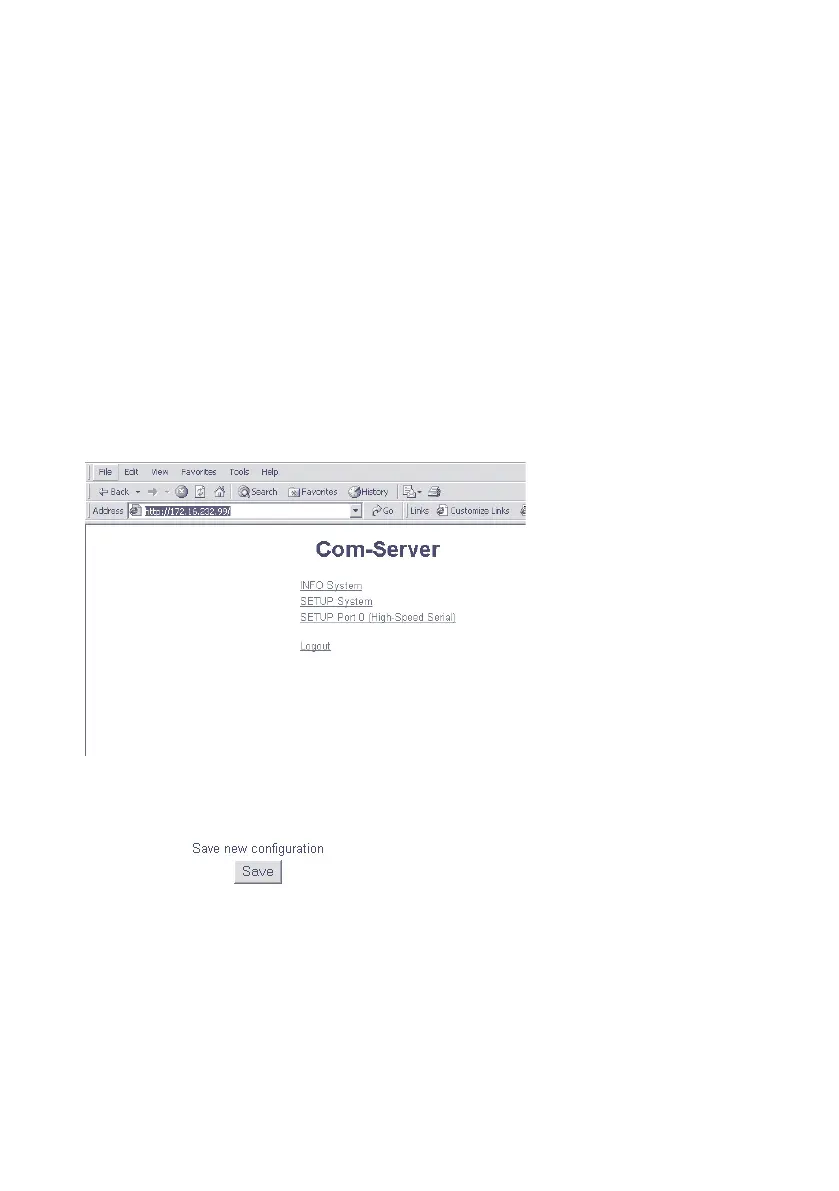
You can make as many settings as desired during a configura-
tion session. Pressing the Send button in the respective pages
pastes them to a clipboard. Once all the settings have been
made, always exit the configuration session using Link Logout
and the Save button there. Only then are the settings you
made copied into the non-volatile memory of the Com-Server
and activated.
The logout page then offers the following possibilities for
ending the configuration session:
n
Save button causes the Com-Server to save all the changes
you made in its non-volatile memory and quits the confi-
guration session.



 To Next Page