June 11, 2015, 715004754 Rev. A
Page 63
5 Operating the Detector
Follow the instructions in this chapter while operating the detector.
5.1 Powering-on
5.1.1 Initializing
Before you power-on the 2414 RI detector, verify the connector from the detector’s
rear panel to the power source is properly installed.
To power-on the detector, press the on/off switch located on the lower-front
right-hand corner of the unit.
At startup, the detector beeps three times and runs a series of startup diagnostic
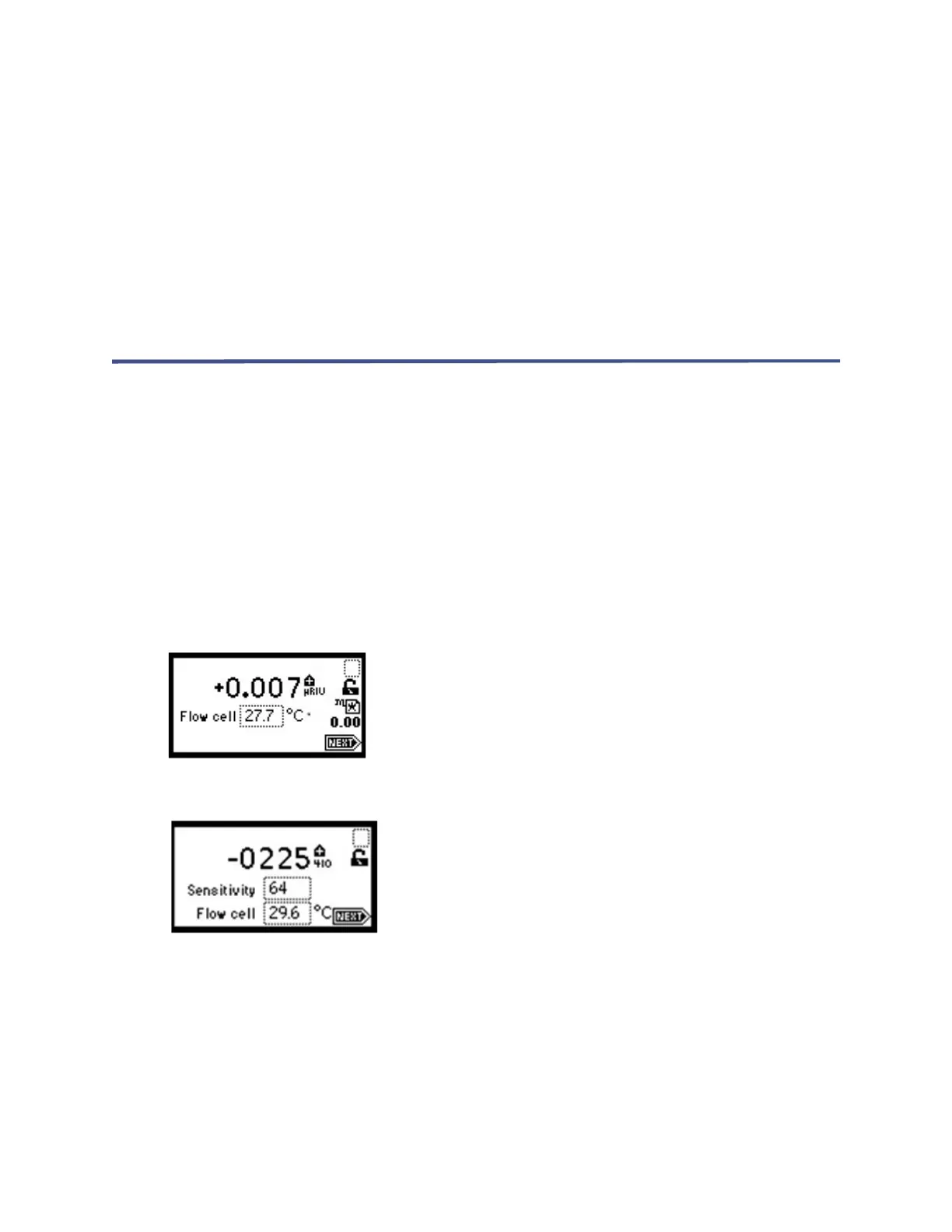
tests. If the detector passes all tests, the initial home (RIU or 410 mode) screen
appears.
Figure 5–1: Initial home screen (RIU mode)
Figure 5–2: Initial home screen (410 mode)
Note: The 2414 RI detector automatically switches to 410 mode, from RIU mode,
when connected to a Waters data control system via the IEEE-488 or Ethernet
connector.
When initialization is completed, you can change the default settings to suit your
needs. You do this during initial startup and every time applications change. After
initializing, the detector displays the first of four home screens. You can navigate to
the various home screens using the Next key. For details, see “Using the keypad” on



 To Next Page