June 11, 2015, 715004754 Rev. A
Page 100
7.2.2 Using the Optimize LED diagnostic function
To use the Optimize LED diagnostic function, press DIAG 2.
This diagnostic function displays the type of LED used (and automatically sets the
energy level of the internal LED. An error message appears if the energy level is too
high or too low. This message commonly appears when the detector was purged
recently or is about to begin a new analysis, or when a mobile phase composition
change affects the flow cell. The LED level can change if the temperature of the
internal oven changes.
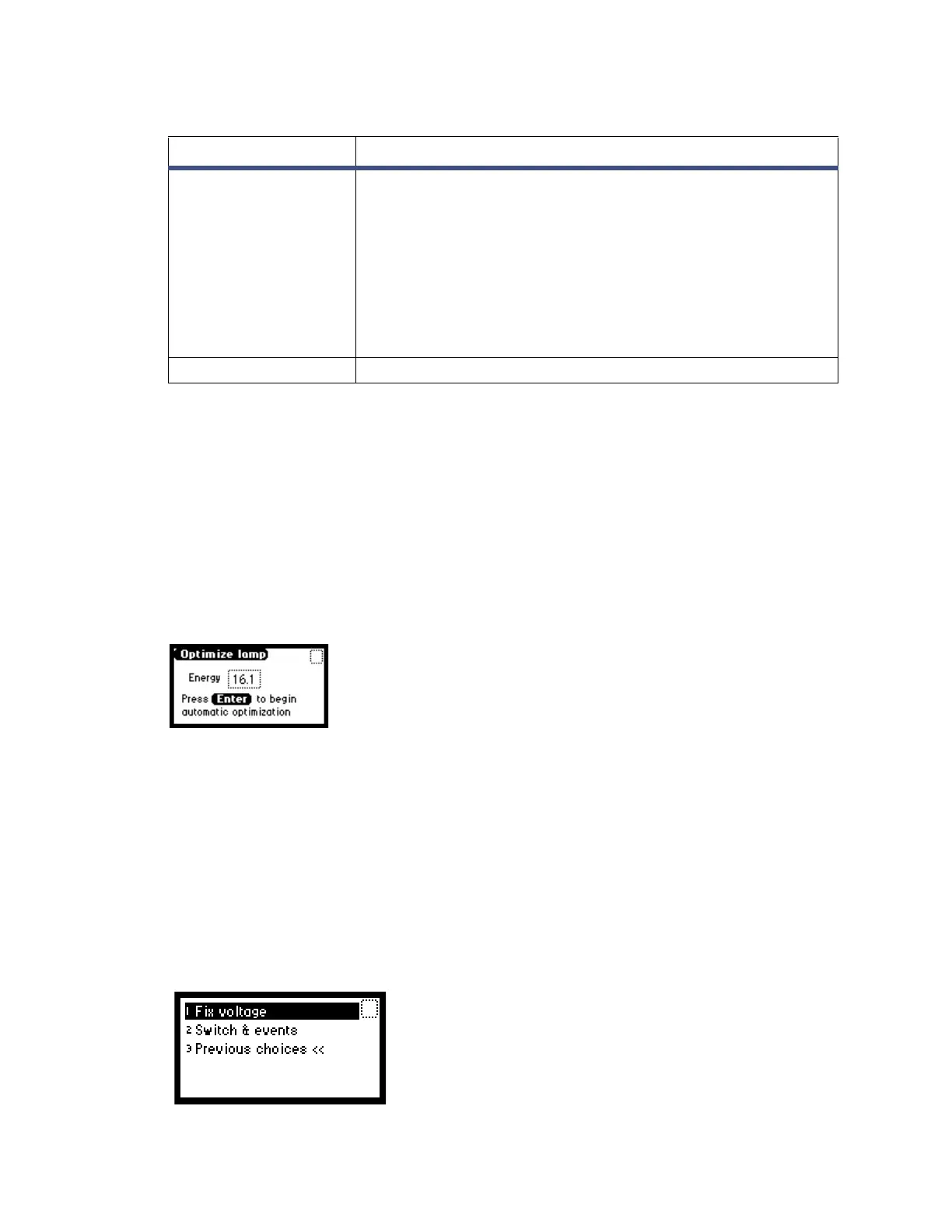
Figure 7–4: Optimize LED screen
7.2.3 Using the input and output diagnostic functions
Use the input and output diagnostic functions to perform these tasks:
• Fix (that is, specify) voltage
• Monitor event-out switch and eight contact closure event inputs
To access either of the input and output diagnostic functions, press DIAG 3, Input &
output.
Figure 7–5: Input & output diagnostics screen
Other Diagnostics Miscellaneous tests and functions revealing the view
autozero offset, oven and external column heater
configuration and status, generate test peaks, check purge
and recycle valve status and operation.
1. Autozero offset
2. Oven/column heater
3. Simulate Peak
4. Valve
5. Previous choices
Service Diagnostics Diagnostics used by Waters service personnel.
Table 7–1: Detector diagnostics (continued)
Diagnostic Description



 To Next Page