June 11, 2015, 715004754 Rev. A
Page 99
• You can disable a specific sticky diagnostic test by restoring its default
settings.
• You can disable all active sticky diagnostic tests by pressing DIAG 1, Reset
diagnostics.
If no sticky diagnostic tests are active, the wrench icon does not appear in the home
screen. When you power-off the detector, all sticky diagnostics are disabled.
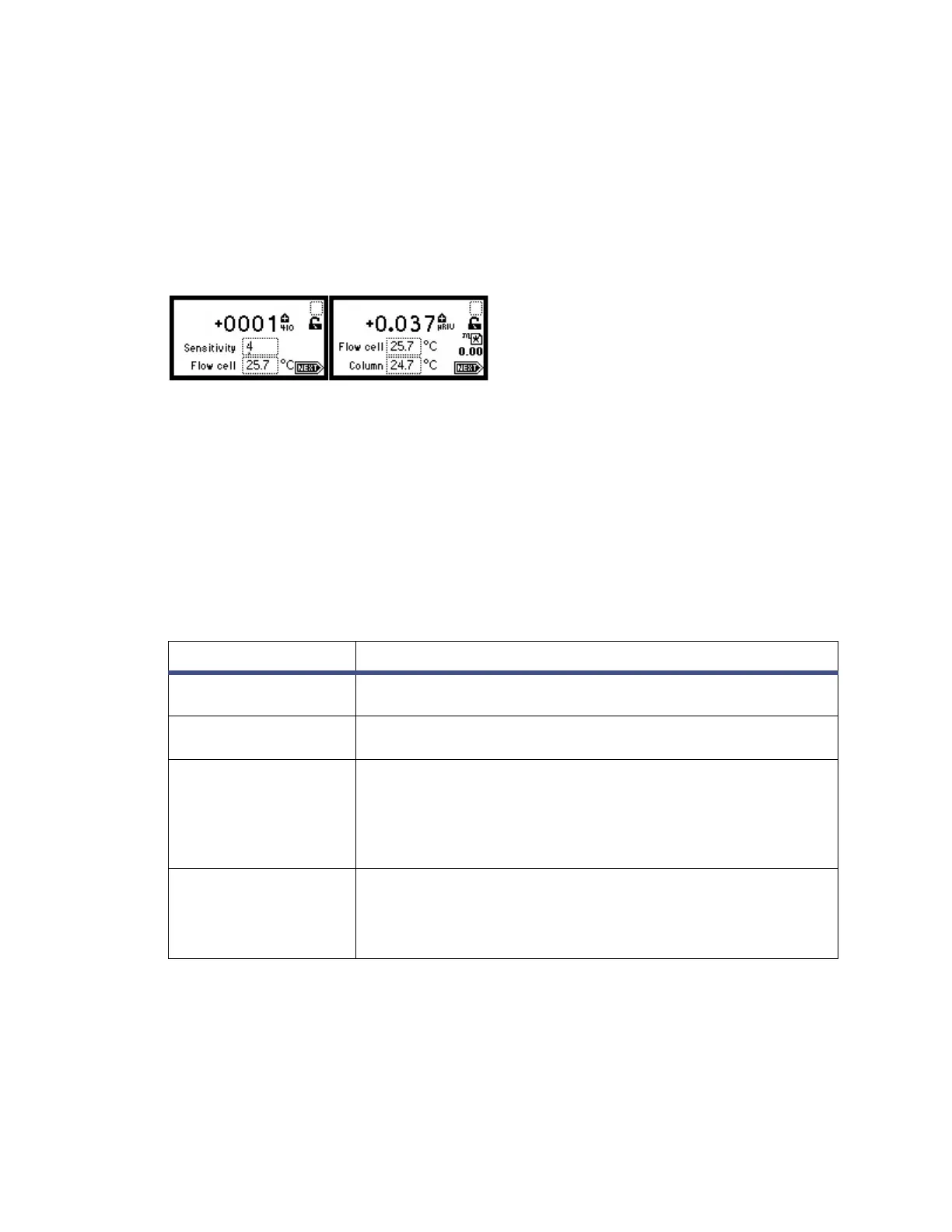
Figure 7–3: Home screens, with active sticky diagnostic tests
The user-selectable sticky diagnostic tests are:
• Fix (set) voltage output
• Simulate peak
Note: Running sticky diagnostic tests affects results. To clear changes to the voltage
output, select 1, “Reset diagnostics”, from the diagnostics choice list, or cycle power
to the detector.
The following table lists the diagnostics tests by their number on the choice list.
Table 7–1: Detector diagnostics
Diagnostic Description
Reset Diagnostics Resets all tests to their defaults. Removes sticky diagnostic
tests and wrench icon.
Optimize LED Allows user to view LED Type and LED energy and to
initialize automatic optimization procedure.
Input & Output List of tests to control contact closure inputs and single
switch output:
1. Fix Voltage
2. Switches & Events
3. Previous choices
Display & Keypad List of tests for display and keypad:
1. Test Keypad
2. Test Display
3. Previous choices



 To Next Page