June 11, 2015, 715004754 Rev. A
Page 80
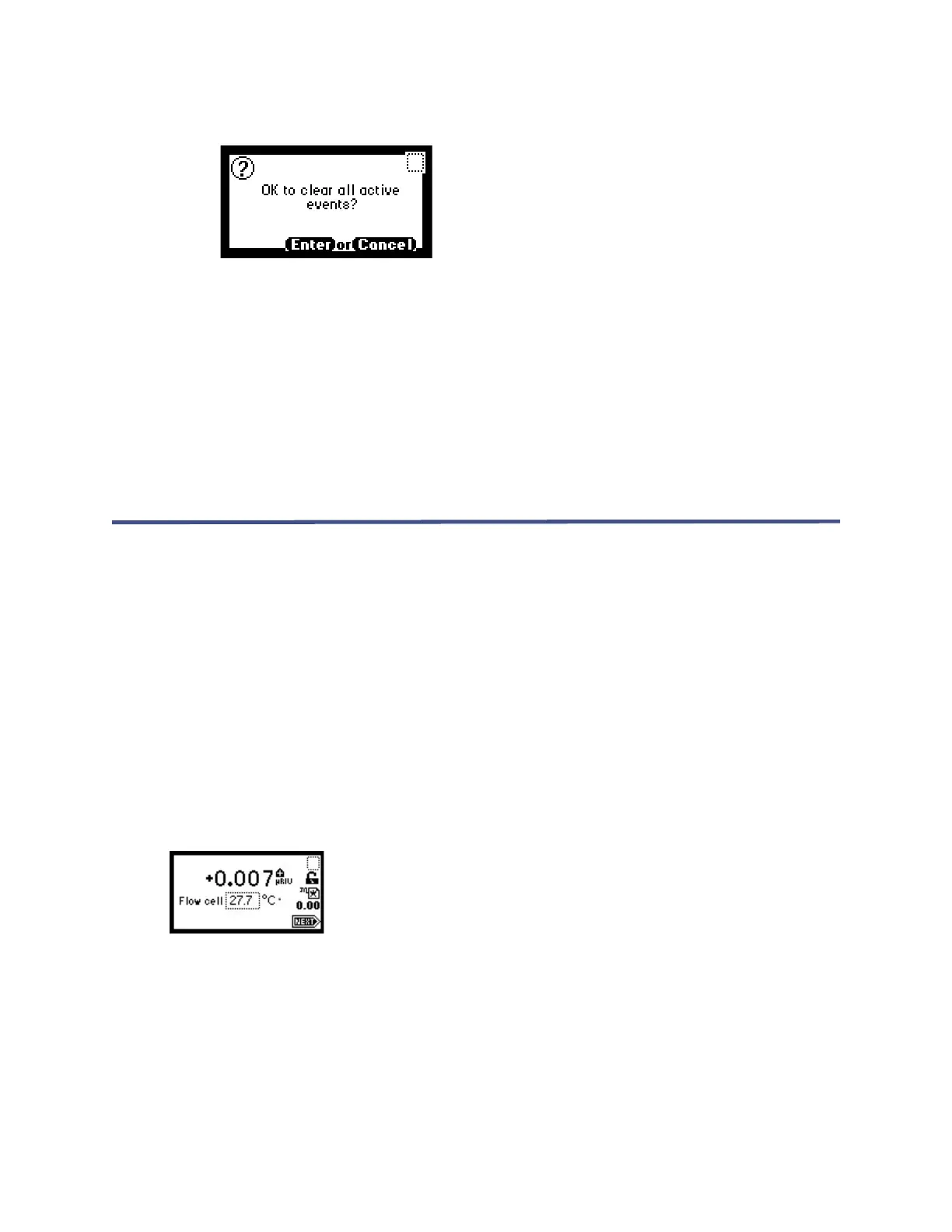
Figure 5–12: Clear events message
•If you press Enter:
– All timed and threshold events in the method are cleared.
– All other operating parameters of the method (RIU-FS, Filter, and so
on) are unaffected.
• If you press Cancel (Shift 0), the display returns to the Method choice list.
Note: When you return to the RIU mode home screen by pressing HOME, the method
number icon displays an asterisk.
5.3 Operating in 410 mode
Unlike RIU mode, you cannot program or use methods stored in the 2414 RI detector
in 410 mode. The 410 mode emulates the Waters 410/2410 by displaying the % Full
Scale value used by the Waters 410 and 2410 Detectors and driving the Detector Out
signal on the 2414 RI detector output.
To switch the detector from RIU mode to 410 mode, press the CONFIGURE key (see
“Setting detector mode” on page 85).
5.3.1 Using the display in 410 mode
The detector provides a 128 × 64 bitmap graphic display and a 24-key membrane
keypad as the operator interface. After the startup diagnostics run successfully, the
detector displays the 410 mode home screen.
Figure 5–13: Home screen 410 mode
You can recall the home screen from any page by pressing the HOME key. At the first
use of the detector, the home screen shows the factory-set defaults. After the first
use, the home screen shows the settings displayed before the detector was last
powered-off.



 To Next Page