June 11, 2015, 715004754 Rev. A
Page 71
5.2.2 Navigating to and from the home screen in RIU mode
Pressing HOME brings you to the home screen, from most screens. From the home
screen, you can access several secondary functions. To move to the secondary
function screens of the home screen, press Next. These are the secondary functions in
RIU mode:
•RIU-FS
• Filter type
• Time constant
• Voltage offset
• µRIU offset
• Enable/disable keypad entries
The settings that you specify in the secondary function fields become part of the
current method conditions and are stored when you store the method.
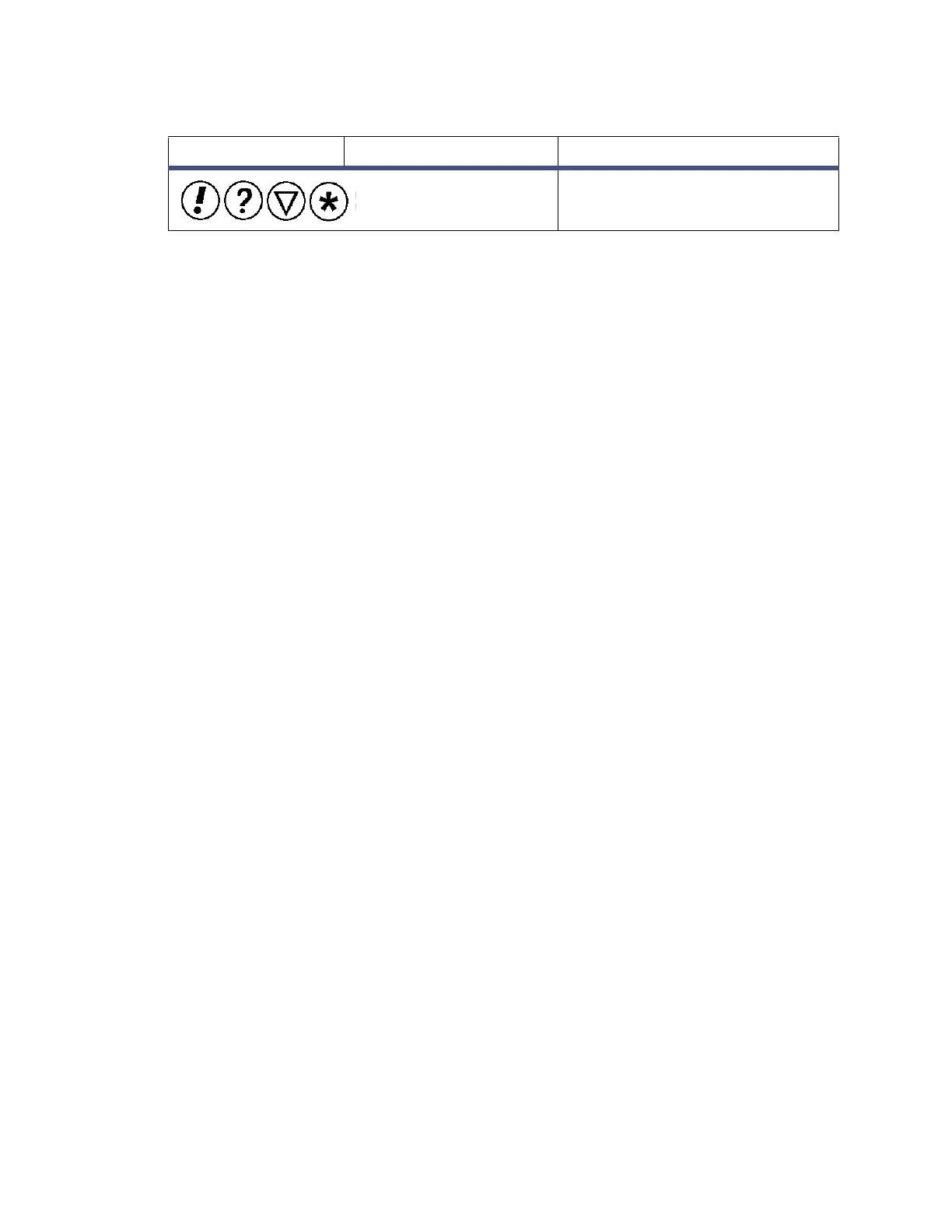
Message screen icons (from left):
Error, Question, Information, and
Warning.
Table 5–2: Mode, function, and message screen icons (continued)
Icon or field Icon/field name Function



 To Next Page