June 11, 2015, 715004754 Rev. A
Page 65
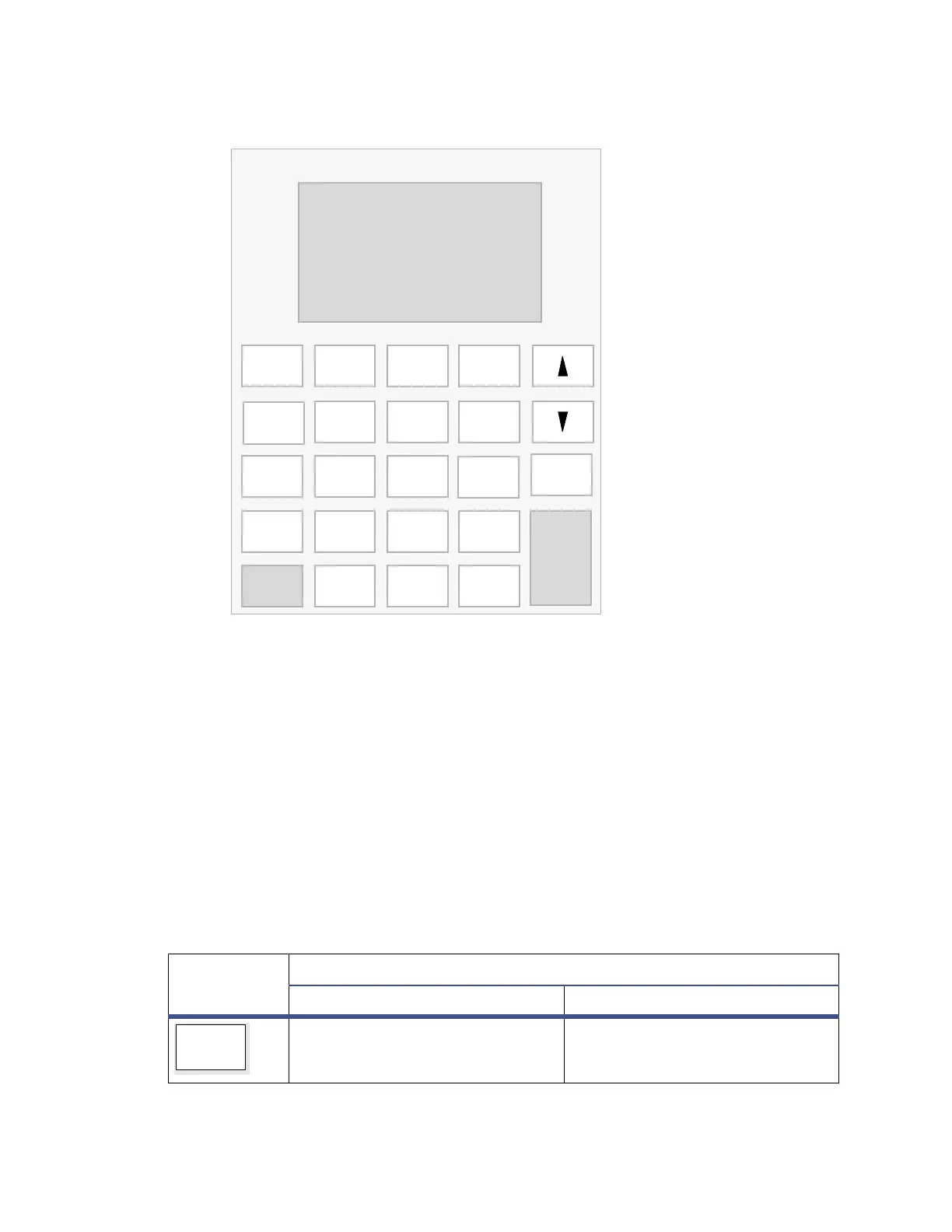
Figure 5–4: Detector keypad
The effect of pressing a primary function key is immediate; no further entry is
required. Secondary function keys require you to enter information into parameter
fields and then press Enter for the functions to take effect.
Keys whose functions appear in uppercase letters (HOME, TEMP °C, DIAG, TRACE,
METHOD, and CONFIGURE) effect the corresponding function from most screens.
For numerical entries from 1 to 9 on choice lists or menus, enter the number
corresponding to the desired item, and then press Enter. For the number 10, select 0,
and then press Enter. To go to the end of a choice list, select “•”. For entries numbered
11 or 12, scroll to the desired item on the choice list, and then press Enter.
The following table explains the functions of the primary and secondary keys on the
keypad.
Table 5–1: Keypad description
Key
Description
Unshifted Shifted
HOME – Displays the RIU screen
containing the icons, and the RIU
FS and Temp fields.
? – Displays context-sensitive
Help when available.
Enter
Shift
0
12
4
5
87
3
6
9
CE
Chart Mark
Auto Zero Run/Stop
TRACE
DIAG
Next
Purge
Reset
?
METHOD Recycle
CONFIGURE
Previous
Cancel
System Info
.
TEMP°C
Scale
POLARITY
HOME
+/−
Clear Field
Contrast
Lock



 To Next Page