June 11, 2015, 715004754 Rev. A
Page 75
Note: When the detector is operating under 410 mode, the method icon does not
appear. Alternatively, if the detector is controlled by the system controller of a data
system, the remote icon is displayed.
The detector method includes all of the parameter settings necessary to reproduce a
chromatographic separation.
5.2.4.1 Timed events
You can program as many as 16 timed events, to the nearest 0.01 minute. As you
enter timed events, each new event is appended to the end of the timed event list. If
you enter a time that is not in sequence with the events entered previously, the timed
event list is sorted automatically when you press Next. The 2414 RI detector allows
programming of the timed events shown in the following table.
To program a new timed event:
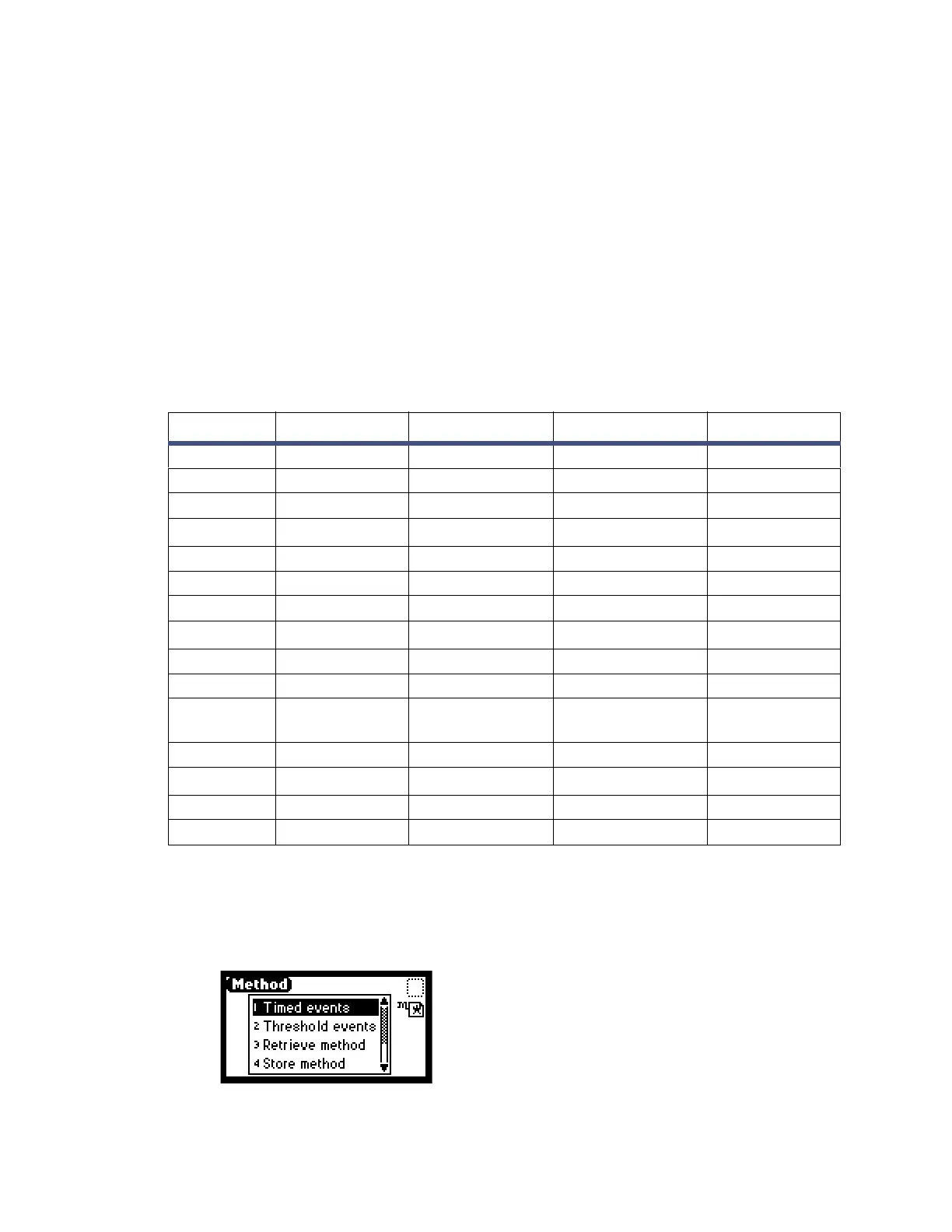
1. On the keypad, press the METHOD (Shift TEMP °C) key.
Figure 5–7: Method choice list screen
Table 5–4: Timed event parameter
Number Event Units Range Default
1 Autozero Does not apply Does not apply Disabled
2 Polarity Does not apply 1. – +
2. +
3 RIU-FS
µRIU
1 to 500 Disabled
4 Chart mark Does not apply Does not apply Disabled
5 Start Purge Does not apply Does not apply Disabled
6 End Purge Does not apply Does not apply Disabled
7 Switch
µRIU
1. On Disabled
2. Off
3. Pulse
4. Rectangular
Wave
5. Toggle
8 Threshold
µRIU
0.001 to 500.000 Disabled
9 Start Recycle Does not apply Does not apply Disabled
10 End Recycle Does not apply Does not apply Disabled



 To Next Page