10 Preparing the Separations Module for Operation
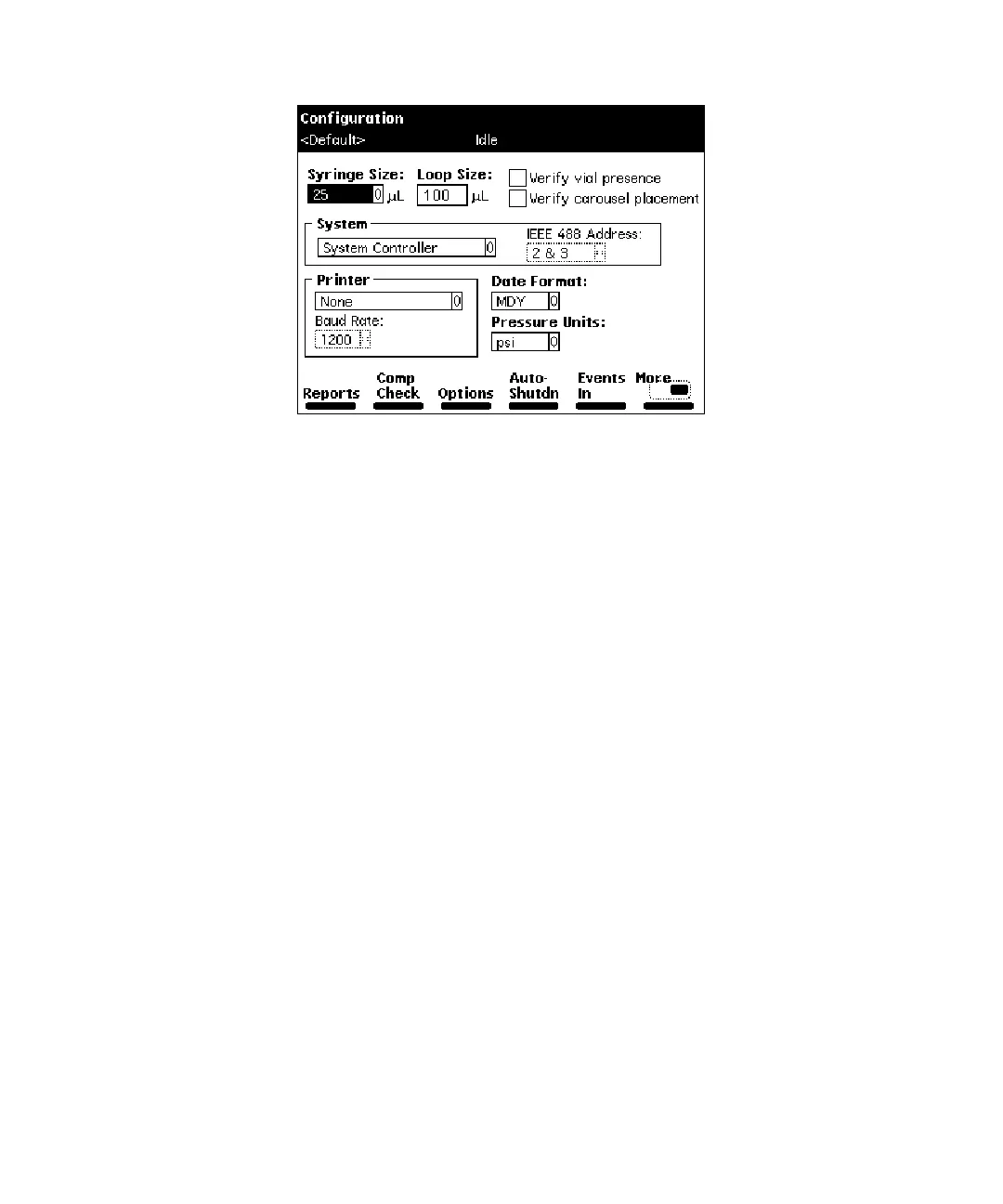
Figure 2-3 Configuration Screen
2. Select the
System
field, then press
Enter
to display a list of choices.
3. Select
System Controller
, then press
Enter
.
4. Press the
Detectors
screen key. A list of active devices (with their IEEE-488
interface bus addresses) appears.
a. Press the
Scan
screen key to update the list.
b. Press the
OK
screen key to return to the Configuration screen.
5. Press
Exit.
The Separations Module is ready to control Waters detectors using
separation methods, sample sets, or sample templates.
Controlled by Millennium
32
Mode
In this remote-control mode, a Millennium Chromatography Manager workstation running
Millennium
32
software (Windows 95, 98, or NT) controls the operation of your HPLC
system using the IEEE-488 interface bus.
To set the Separations Module to the Controlled by Millennium
32
mode:
1. Select the
System
field in the Configuration screen, then press
Enter
to display a
list of choices.
2. Select
Controlled by Millennium
32
, then press
Enter
. The IEEE 488 Address
field is highlighted.
3. Press
Enter
to display a list of addresses.
4. Select an address that is unused by other chromatographic components connected
to the Millennium Chromatography Manager workstation, then press
Enter
.
5. Press
Exit.
The Separations Module is ready to be controlled from the
Millennium Chromatography Manager workstation.



 To Next Page