Preparing the Separations Module for Operation 15
• No changes sent to the Separations Module from a remotely connected Millennium
Chromatography Manager workstation, MassLynx computer, or external
autosampler
• An error condition that suspends the operation of the Separations Module
You can leave the Separations Module in the shutdown state indefinitely. The separation
method you specify in the Auto Shutdown dialog box defines the initial conditions that are
applied after the specified period of inactivity. Use the auto shutdown function:
• When there is a long delay between injections
• To minimize solvent flow after an unattended or long run
• To minimize sparge gas consumption
• To disable the vacuum degasser
• To disable temperature controls
• To turn off detector lamps
To enable the auto shutdown function:
1. Press the
Config
screen key in the Main screen, then press the
More
screen key
once.
2. Press the
Auto Shutdown
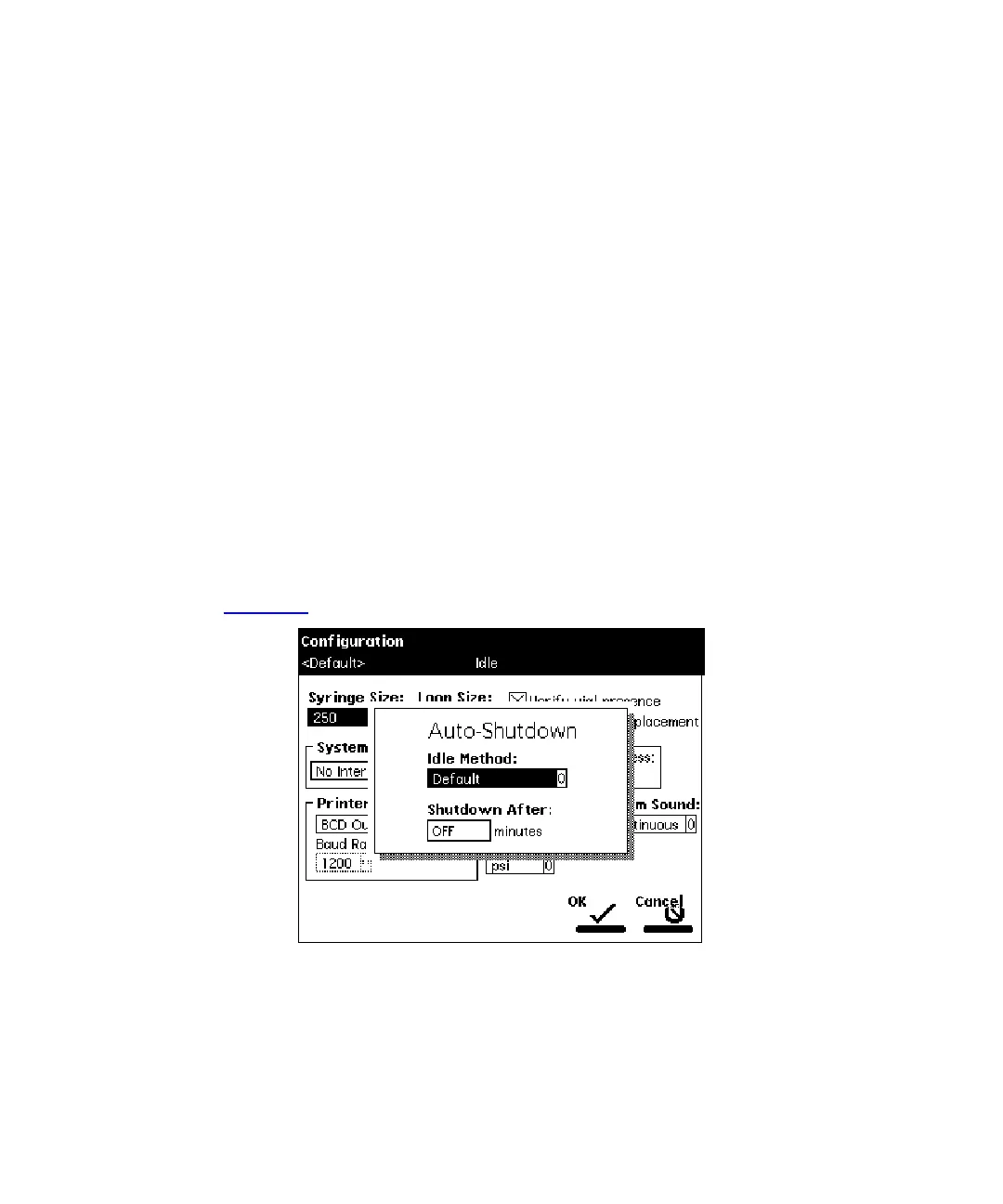
screen key. The Auto-Shutdown dialog box appears
(Figure 2-5
).
Figure 2-5 Auto-Shutdown Dialog Box
3. Select the separation method to be used while the Separations Module is shut
down. Only the
initial
conditions in the method you select are used.



 To Next Page