Making Automatic Runs 43
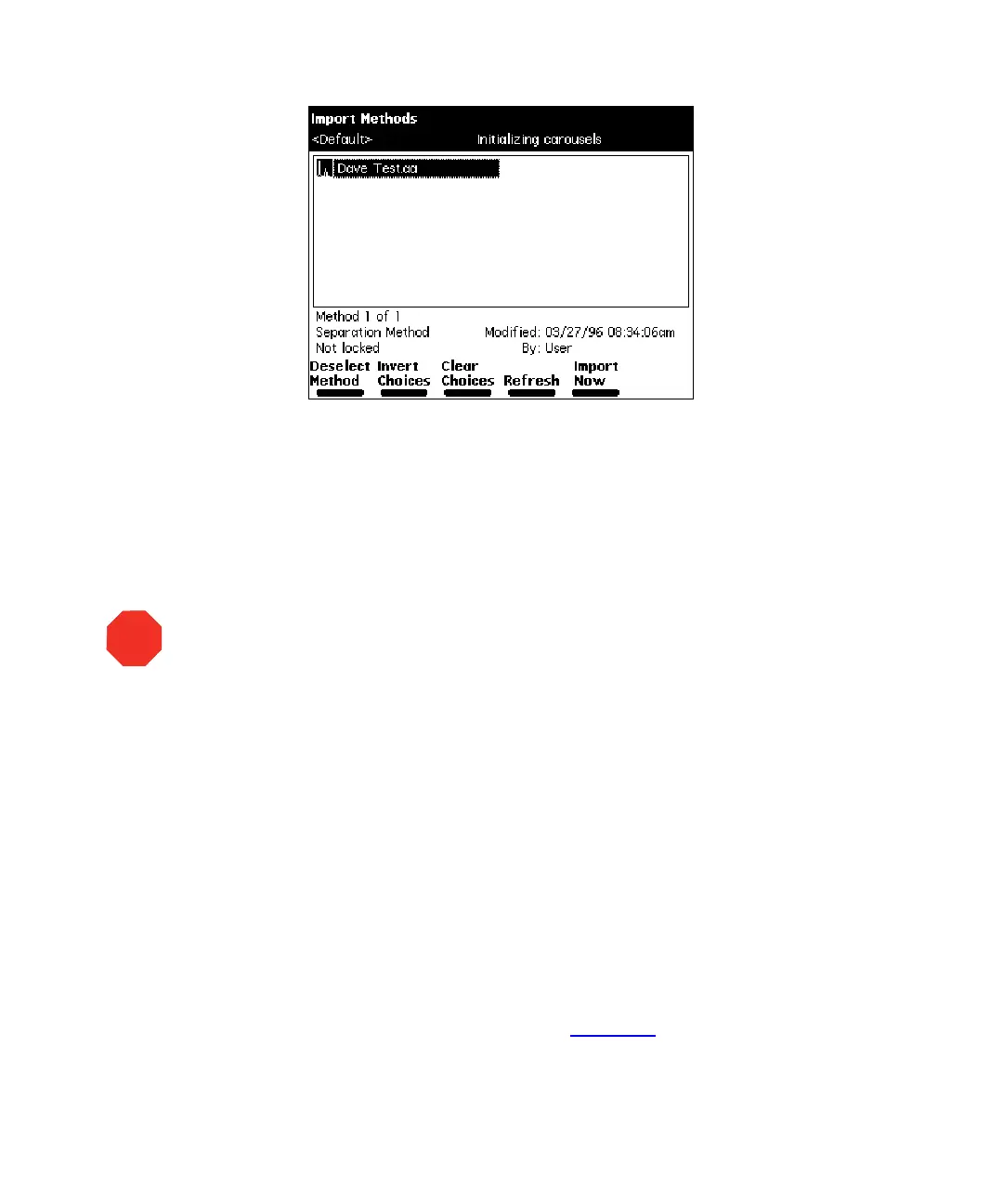
Figure 4-6 Import Methods Screen
4. Select the method you want to import into the Separations Module, then press
the
Select Method
screen key. To select additional methods, select each method
and press
Select Method
again.
5. After you select all the methods you want to import, press the
Import Now
screen key.
The file transfer begins.
An error message appears if you attempt to import a method that already exists
in the Separations Module. You can choose to overwrite the existing method.
An error message appears if you attempt to transfer more than 60 methods into
the Separations Module.
Exporting Methods
To export one or more separation methods, sample sets, or sample templates to a floppy
disk:
1. Insert a preformatted 3.5-inch disk into the floppy disk drive in the Separations
Module.
2. Press the
Methods
screen key in the Main screen, then press the
More
screen
key twice to access the Methods screen (Figure 4-7
).
STOP
Attention:
Do not remove the floppy disk from the drive before the import is
complete; the Separations Module cannot detect a partially imported method.
Waters recommends that you carefully review any imported method before you run
the method.



 To Next Page