24 Preparing the Separations Module for Operation
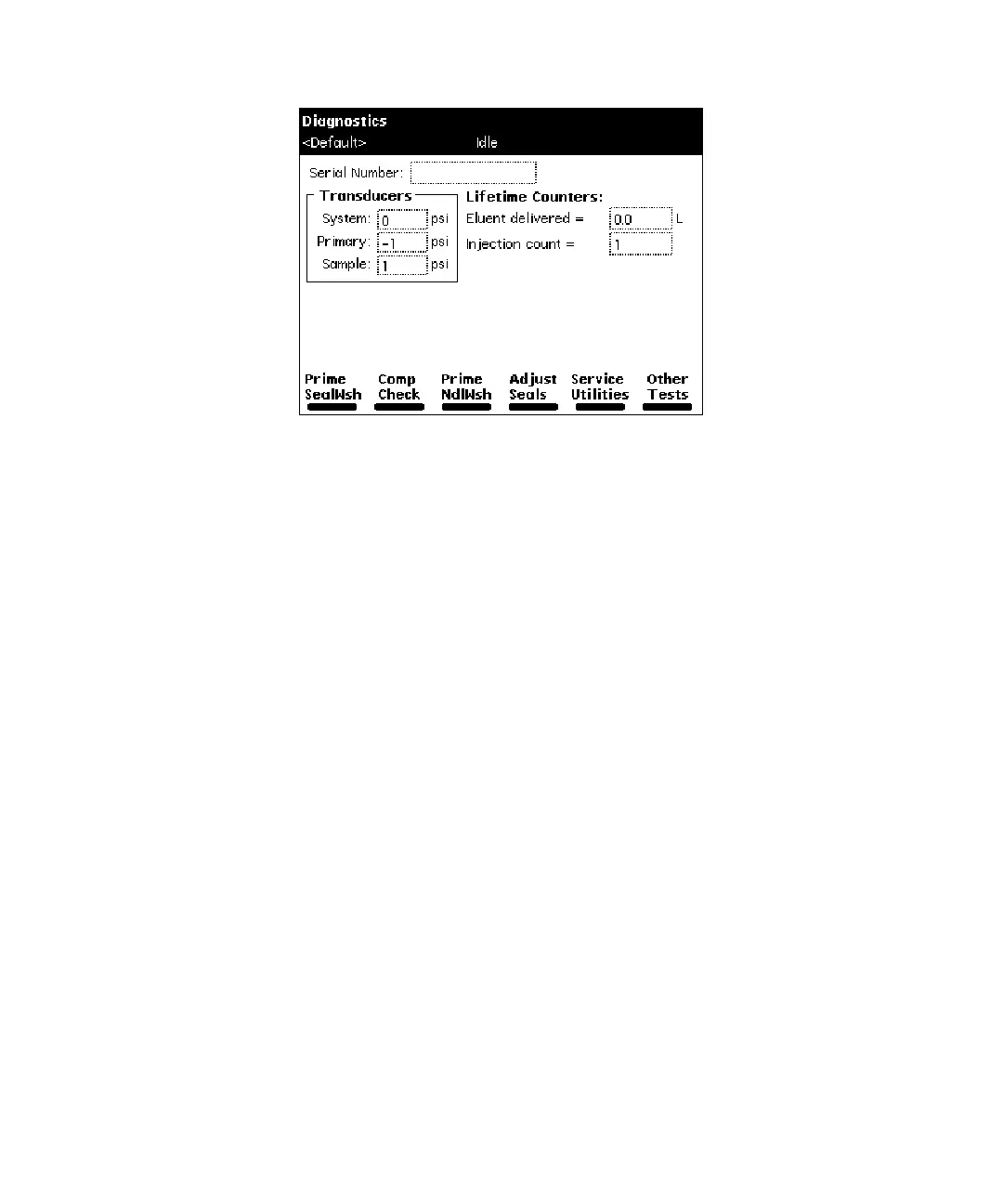
Figure 2-12 Diagnostics Screen
2. Attach the syringe adapter to the syringe (both are found in the Startup Kit).
3. Remove the inlet filter from the seal wash inlet tube.
4. Fill the syringe with the seal wash solution, then attach the syringe adapter to
the end of the seal wash inlet tube.
5. Press the
Prime SealWsh
screen key, then press the
Start
screen key. The seal
wash procedure begins. Push on the syringe plunger to force seal wash solvent
through the system.
6. When seal wash solvent flows out of the seal wash waste tube, press the
Halt
screen key.
7. Reinstall the inlet filter and place the seal wash inlet tube in the seal wash
reservoir.
8. Press
Close
to return to the Diagnostics screen.
Before you make a run, perform a Condition Column or Equilibrate direct function as
necessary.
F98SM7885M
G98SM4582M



 To Next Page