Preparing the Separations Module for Operation 19
Sparging
You set the initial and maintenance sparge cycles from the Sparge screen. You can set
different sparge cycles for each of the four solvent reservoirs.
To program the sparge cycles from the Direct Function menu:
1. Press the
Direct Function
screen key in the Status screen. The Direct Functions
menu appears (Figure 3-4
).
2. Select the
Program Sparge
option, then press
Enter
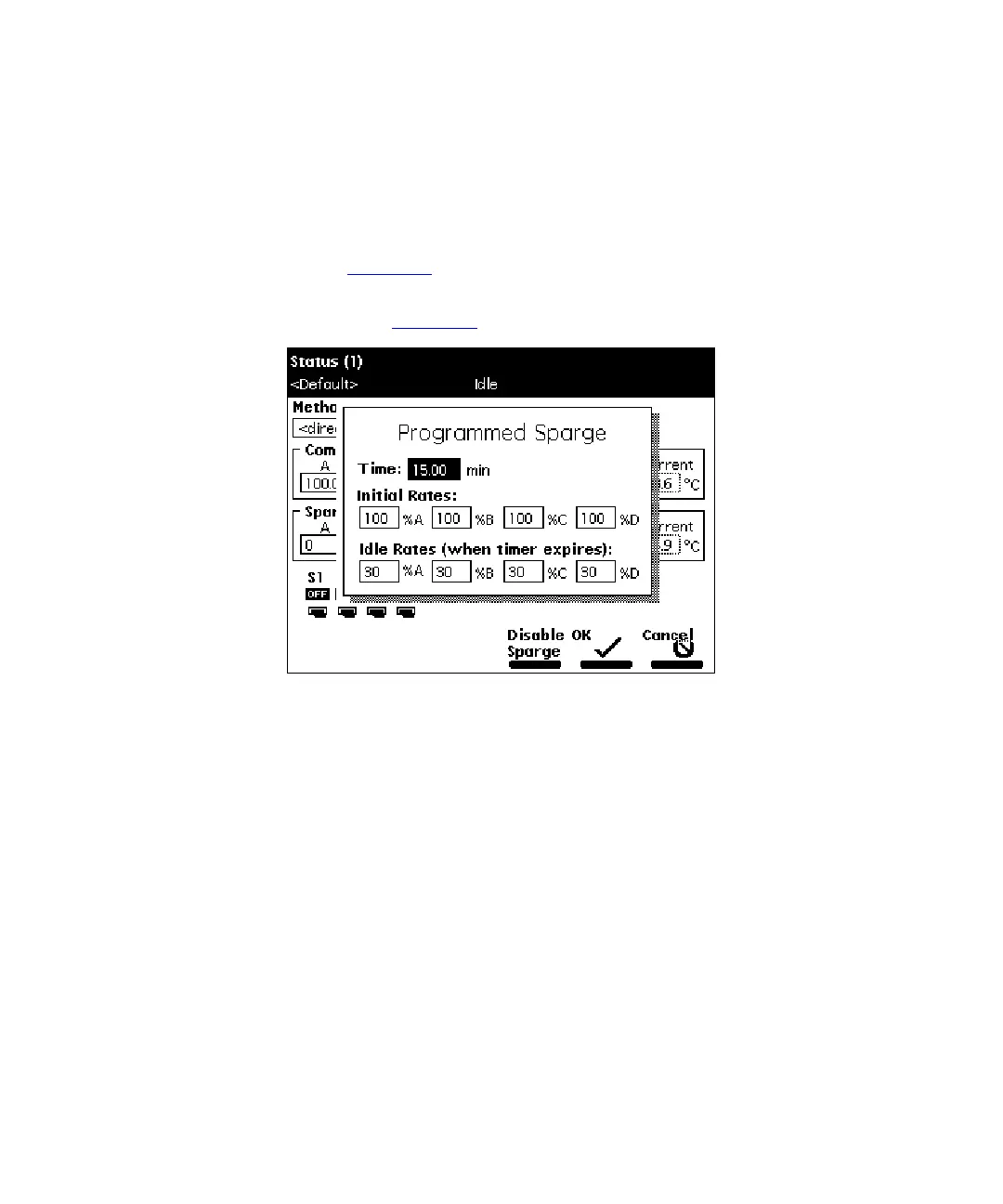
. The Programmed Sparge
dialog box appears (Figure 2-8
).
Figure 2-8 Programmed Sparge Dialog Box
3. In the Time field, enter the time to run the initial sparge cycle, then enter values
for each solvent reservoir for the following parameters:
• Initial sparge cycle rates
• Idle sparge cycle rates
At a sparge cycle rate of 100%, the sparge valve is on at all times; at a sparge
cycle rate of less than 100%, the sparge valve turns on and off periodically.
Press the
Disable Sparge
screen key if you do not want to sparge the
reservoirs.
Press the
OK
screen key. The timer starts counting down, and the sparge gas
flows at the initial sparge cycle rates. The idle sparge cycle rate begins when the
timer expires.



 To Next Page