Preparing the Separations Module for Operation 21
6. Select
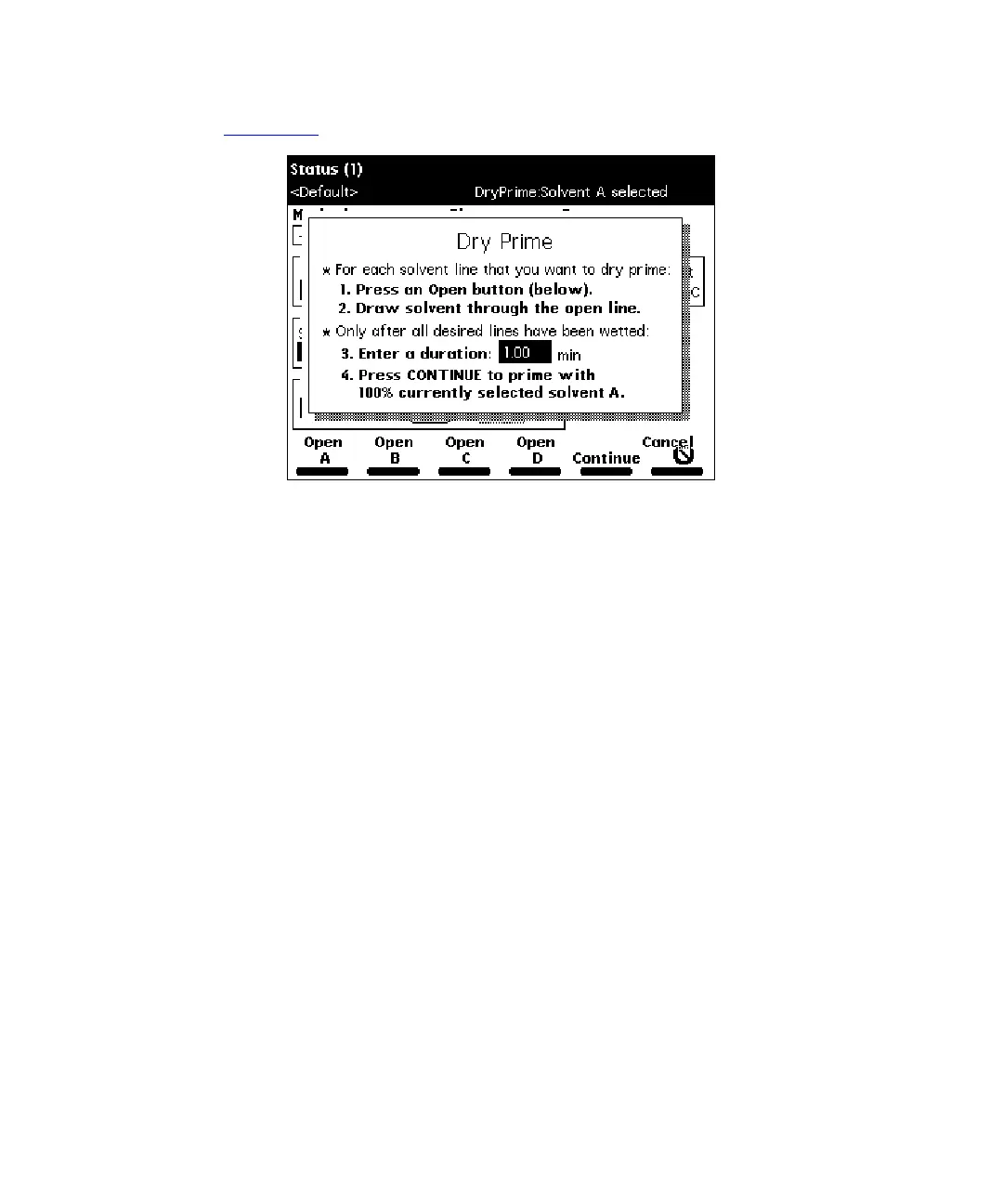
Dry Prime
, then press
Enter
. The Dry Prime dialog box appears
(Figure 2-10
).
Figure 2-10 Dry Prime Dialog Box
7. Press the screen key corresponding to the solvent line you want to prime.
8. Withdraw the syringe plunger to pull solvent through the tubing. You may need to
exert force to pull the air and solvent through the system. Continue until you pull
all the air through the solvent line into the syringe.
9. Repeat steps 7 and 8 for each solvent line you want to prime, then close the
prime/vent valve.
10. Press a screen key corresponding to the solvent line with which you want to
prime the system. Waters recommends that you prime using the solvent with the
lowest viscosity to help purge air from the lines, especially if the in-line vacuum
degasser is installed.
11. In the Enter a Duration field, enter the length of time (in minutes) to prime the
solvent management system. Start with a value of 5 minutes. Press
Continue.
The solvent management system begins to operate. At the end of the priming
period, the solvent management system turns off and the Separations Module
enters the Idle mode.
12. Perform a wet prime (described below).



 To Next Page