30 Performing a Direct Control Run
3
Performing a Direct Control
Run
This section describes the procedures for performing a direct control (manual) run.
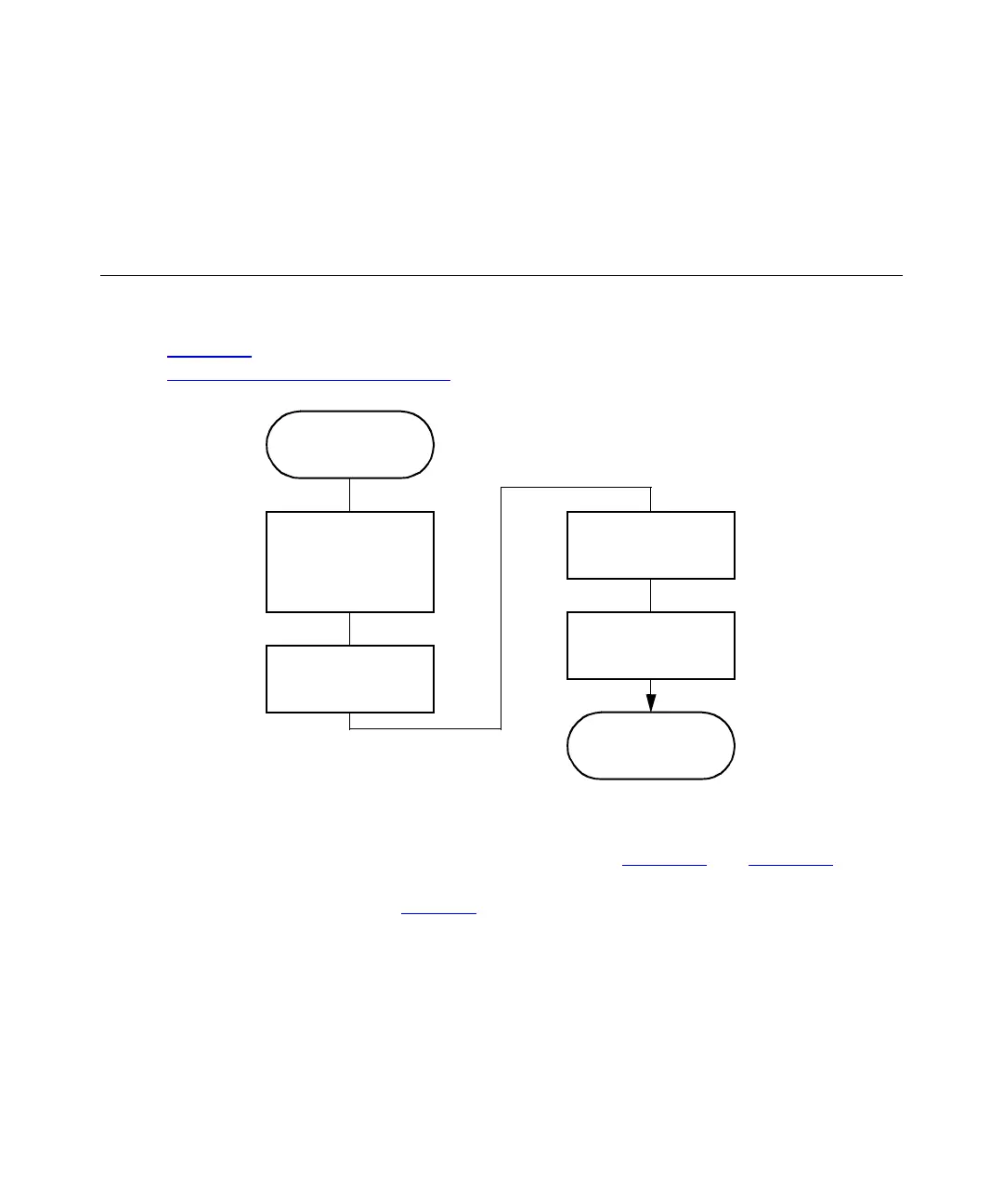
Figure 3-1
provides an overview of the procedures. To make an automatic run, refer to
Section 4,
Making Automatic Runs.
Figure 3-1 Setting Up a Direct Control Run
You perform direct control runs from the Status screen (Figure 3-2
and Figure 3-3). The
fields in the Status screen indicate the status or values of the current operating
parameters, as described in Table 3-1
. The Status screen also allows you to enter new
values for certain parameters.
Press
Menu
/
Status
Key
The Function
Begins to Run
Select Separation
Method, or Enter
Parameter Values in
the Status Screen
Press the
Direct
Function
Screen Key
Select the Direct
Function to Perform
Enter the Function
Parameters



 To Next Page