38 Making Automatic Runs
Running a Sample Set
Note:
If you plan on importing sample sets stored on a diskette, refer to the “Importing
Methods” discussion at the end of this section.
To run a sample set in a standalone mode:
1. Press the
Run Samples
screen key in the Main screen (Figure 2-2
). The Run
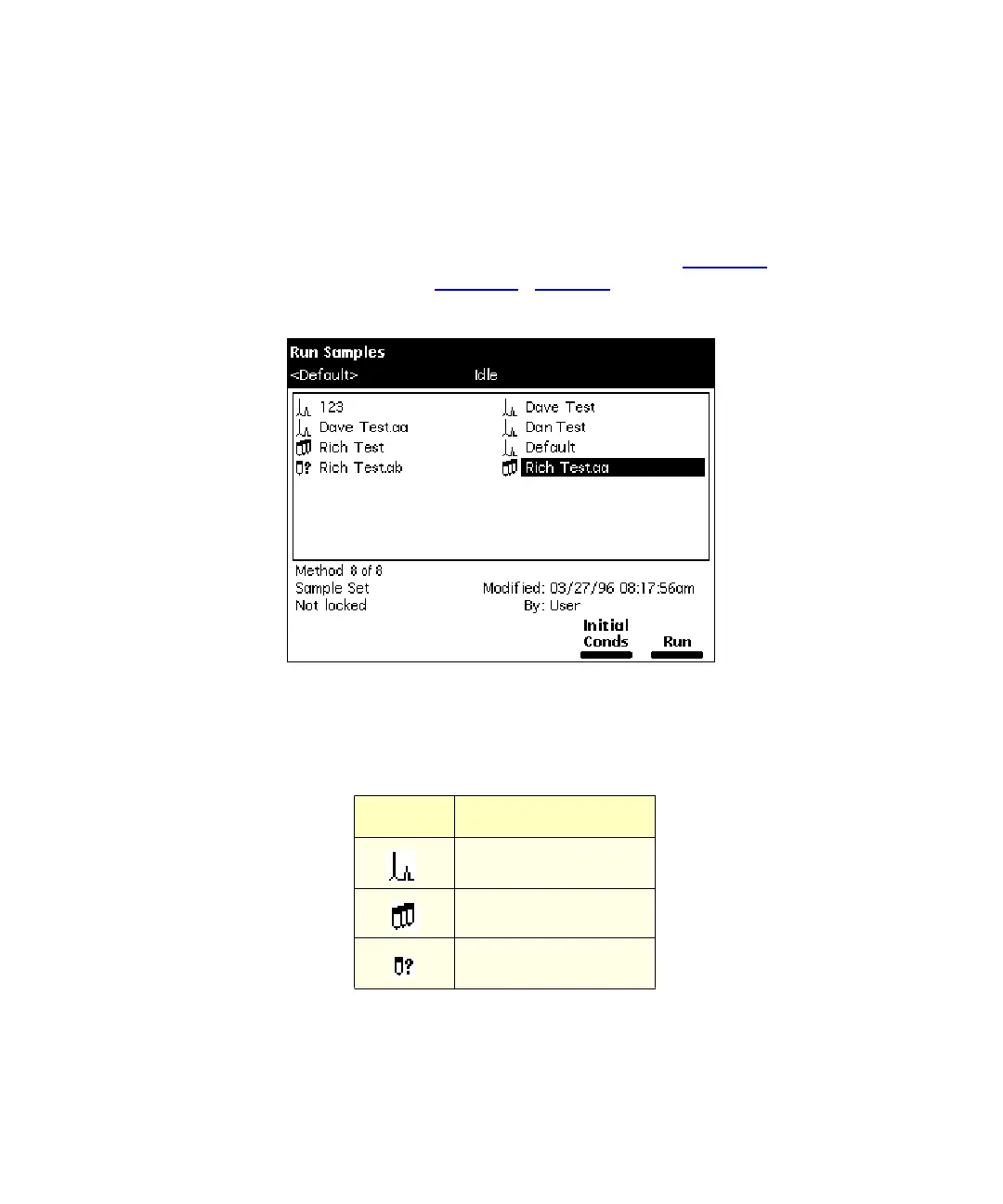
Samples screen appears (Figure 4-2
). Table 4-3 describes the icons used in the
Run Samples screen.
Figure 4-2 Run Samples Screen
2. Select the sample set you want to run.
3. Press one of the following screen keys to perform the indicated tasks:
Table 4-3 Icons in the Run Samples Screen
Icon Description
Separation Method
Sample Set
Sample Template



 To Next Page