40 Making Automatic Runs
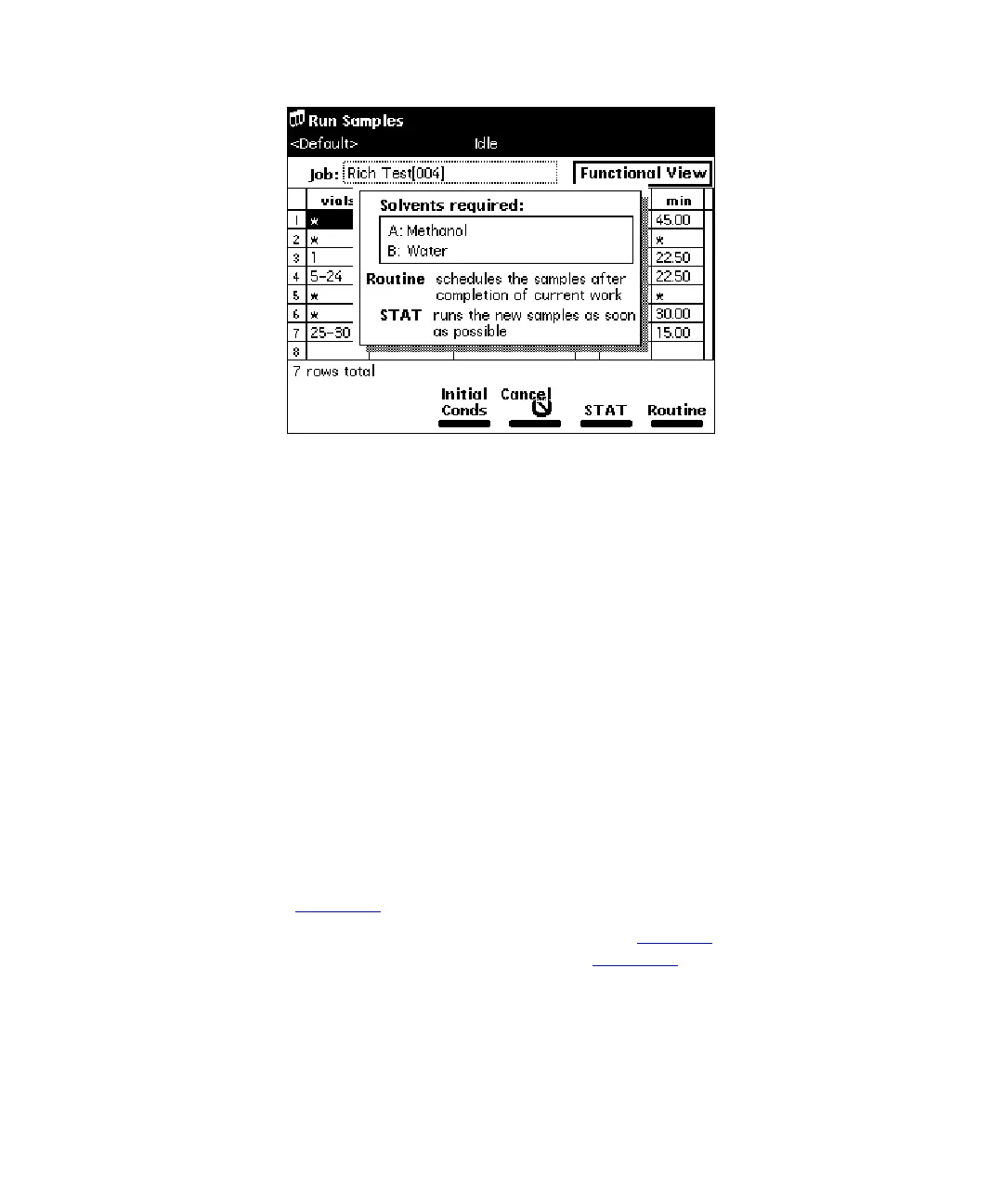
Figure 4-4 Run Samples Screen with Solvents Required Dialog Box
6. Press the
Routine
screen key to start a normal run. To modify a run in progress,
refer to the “Editing a Separation Method” discussion that follows. To make a stat
run, refer to the “Stat Run” discussion that follows.
Making a Run From a Sample Template
Note:
If you plan on importing sample templates stored on a diskette, refer to the
“Importing Methods” discussion at the end of this section.
You can perform an automated run in a stand-alone mode using a sample template stored
in the Separations Module. Screen prompts give you step-by-step directions to prepare for
the run. Refer to the
Waters 2690 Separations Module Operator’s Guide
, Chapter 6,
Creating Methods, Sample Sets, and Sample Templates, for a description of sample
templates.
To run a sample template in a standalone mode:
1. Press the
Run Samples
screen key in the Main screen. The Run Samples screen
appears (Figure 4-2
).
2. Select the sample template you want to run (see Table 4-3
), then press
Enter
.
The Setup dialog box appears, as shown in Figure 4-5
.



 To Next Page