20 Preparing the Separations Module for Operation
2.3.2 Priming the Solvent Management System
Dry Prime
Use the dry prime option to prime the system when the fluidic path in the solvent
management system is dry.
To perform a dry prime:
1. Set up the reservoirs as described in the
Waters 2690 Separations Module
Operator’s Guide
. Section 2.6, Making Fluidic Connections.
2. Insert the solvent tubing into the appropriate reservoir(s). Be sure the detector
waste line and the sample loop waste line drain into an appropriate container.
3. Gently shake the filters in the reservoirs to remove any bubbles that may be
trapped.
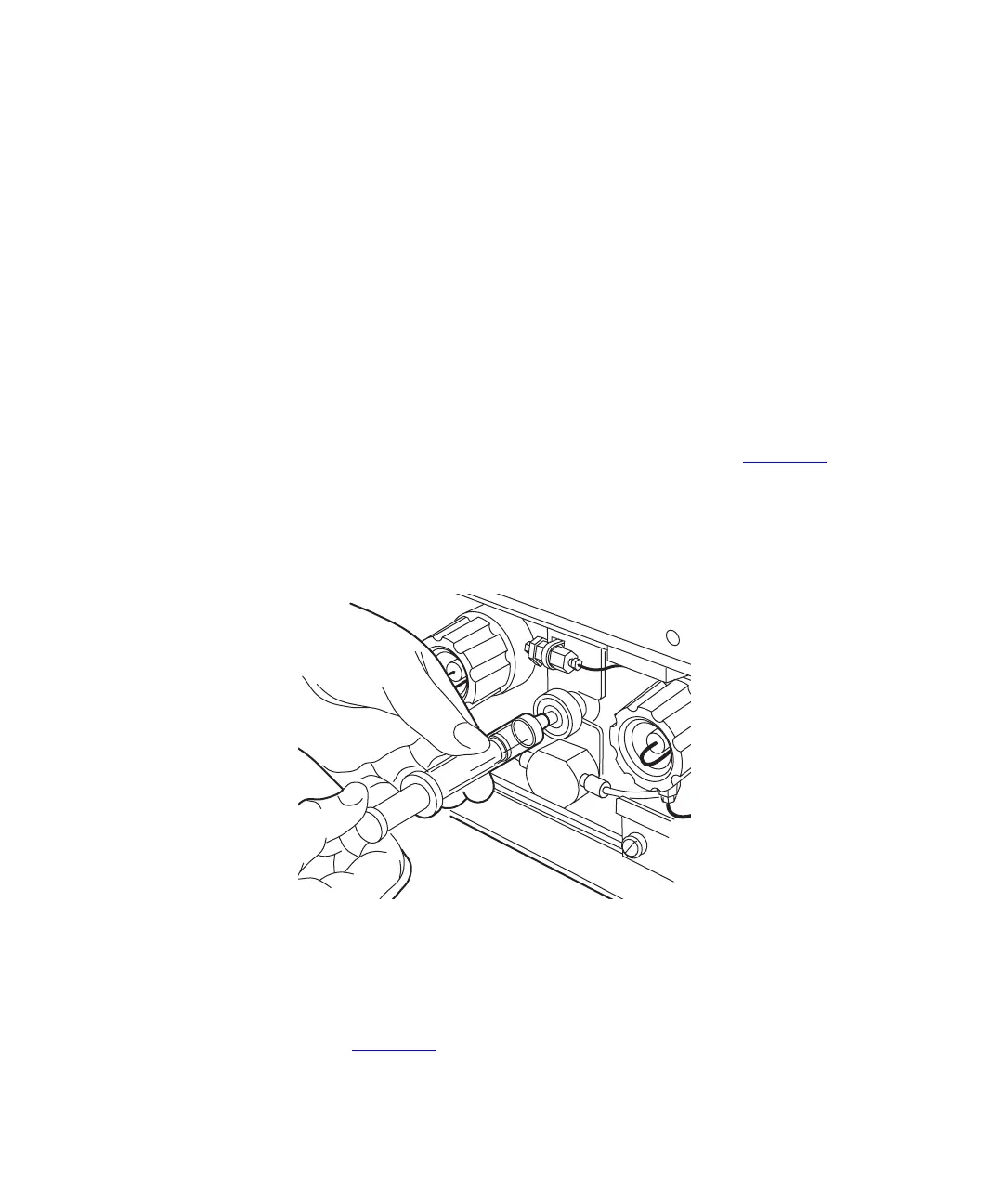
4. Attach an empty syringe to the prime/vent valve, as shown in Figure 2-9
, then
open the valve by turning it counterclockwise 1/2-turn.
Note:
The syringe does not lock onto the prime/vent valve; hold it in place while you
pull on the plunger.
Figure 2-9 Prime/Vent Valve with Syringe
5. Press the
Direct Function
screen key in the Status screen. The Direct Functions
menu appears (Figure 3-4
).
TP01359A



 To Next Page