22 Preparing the Separations Module for Operation
Wet Prime
Perform a wet prime when you want to change reservoirs or solvents, or if the Separations
Module has been idle for some time. The wet prime replaces solvent in the path from the
reservoirs to V3 (waste). If the solvent lines are dry, perform the dry prime procedure
before continuing.
To perform a wet prime:
1. In the Status screen Composition field, enter
100%
for the first solvent you want to
use for wet priming. Waters recommends that you start the wet prime using the
solvent with the lowest viscosity to help purge air from the lines, especially if the
in-line vacuum degasser is installed.
2. Press the
Direct Function
screen key in the Status screen. The Direct Functions
menu appears (Figure 3-4
).
3. Select the
Wet Prime
option, then press
Enter
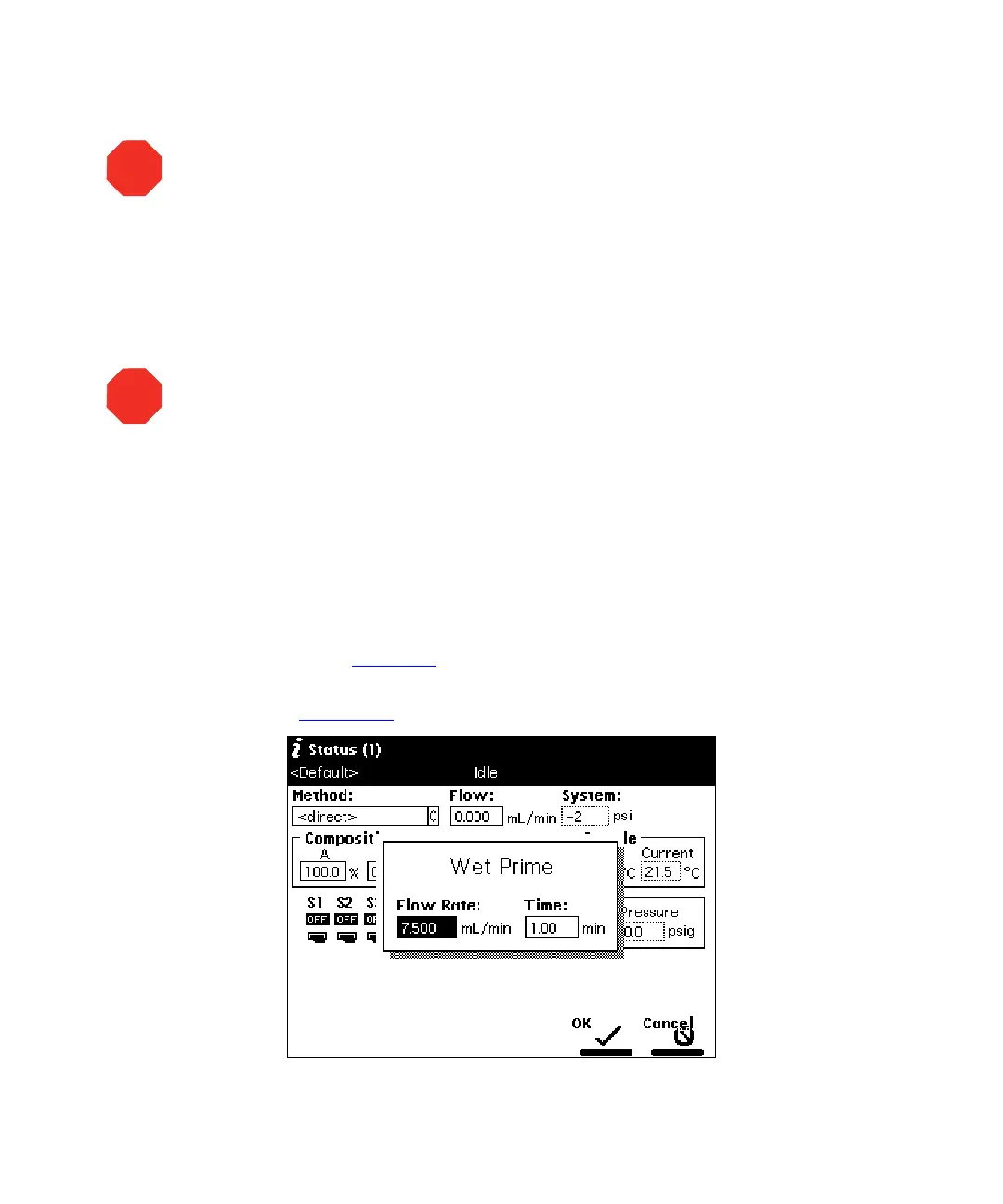
. The Wet Prime dialog box
appears (Figure 2-11
).
Figure 2-11 Wet Prime Dialog Box
STOP
Attention:
To avoid damage to the face seals
,
perform a wet prime only when there is
solvent in the solvent management system fluidic path.
STOP
Attention:
To avoid precipitating salts in the Separations Module, use an intermediate
solvent such as water when you change from buffers to high-organic-content solvents.
Refer to the Waters 2690 Separations Module Operator’s Guide, Section D.3, Solvent
Miscibility, for information on solvent miscibility.



 To Next Page