Preparing the Separations Module for Operation 29
To load the carousels:
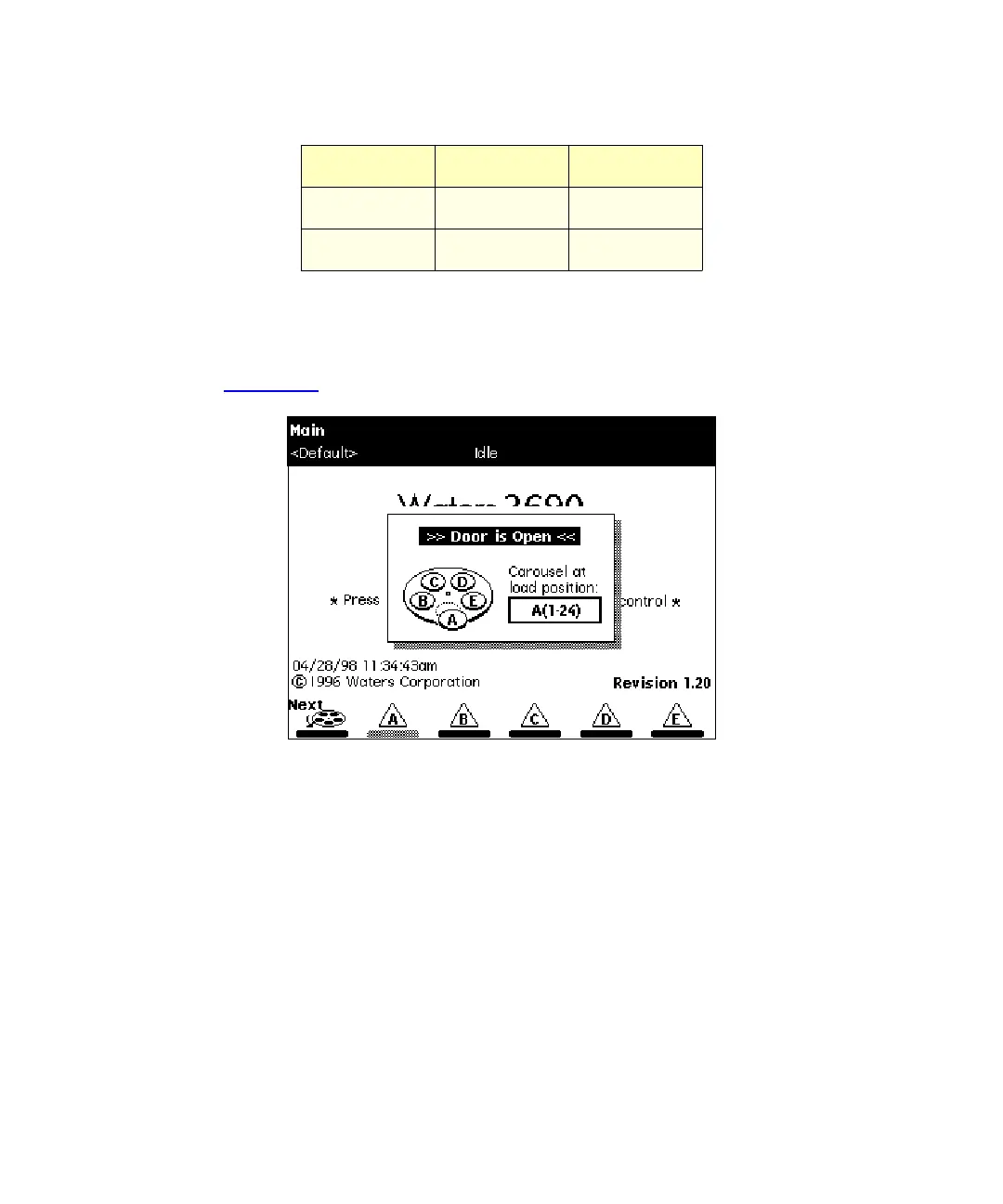
1. Open the carousel door. The Door is Open dialog box appears in the screen
(Figure 2-15
).
Figure 2-15 Door is Open Dialog Box
2. Press the
Next
screen key (or select the desired carousel screen key) to position
the carousel turntable for loading the appropriate carousel.
3. Load the carousel into the sample compartment.
4. Repeat steps 2and 3 until all appropriate carousels are loaded.
5. Close the carousel door. If you enable the “Verify carousel placement” check box
(the default setting) in the Configuration screen, an error message appears if
you attempt to make an injection from a carousel that is in the wrong position.
D Green 73 to 96
E White 97 to 120
Table 2-2 Carousel Codes and Colors
(Continued)
Code Color Vial Numbers



 To Next Page