26 Preparing the Separations Module for Operation
4. Select
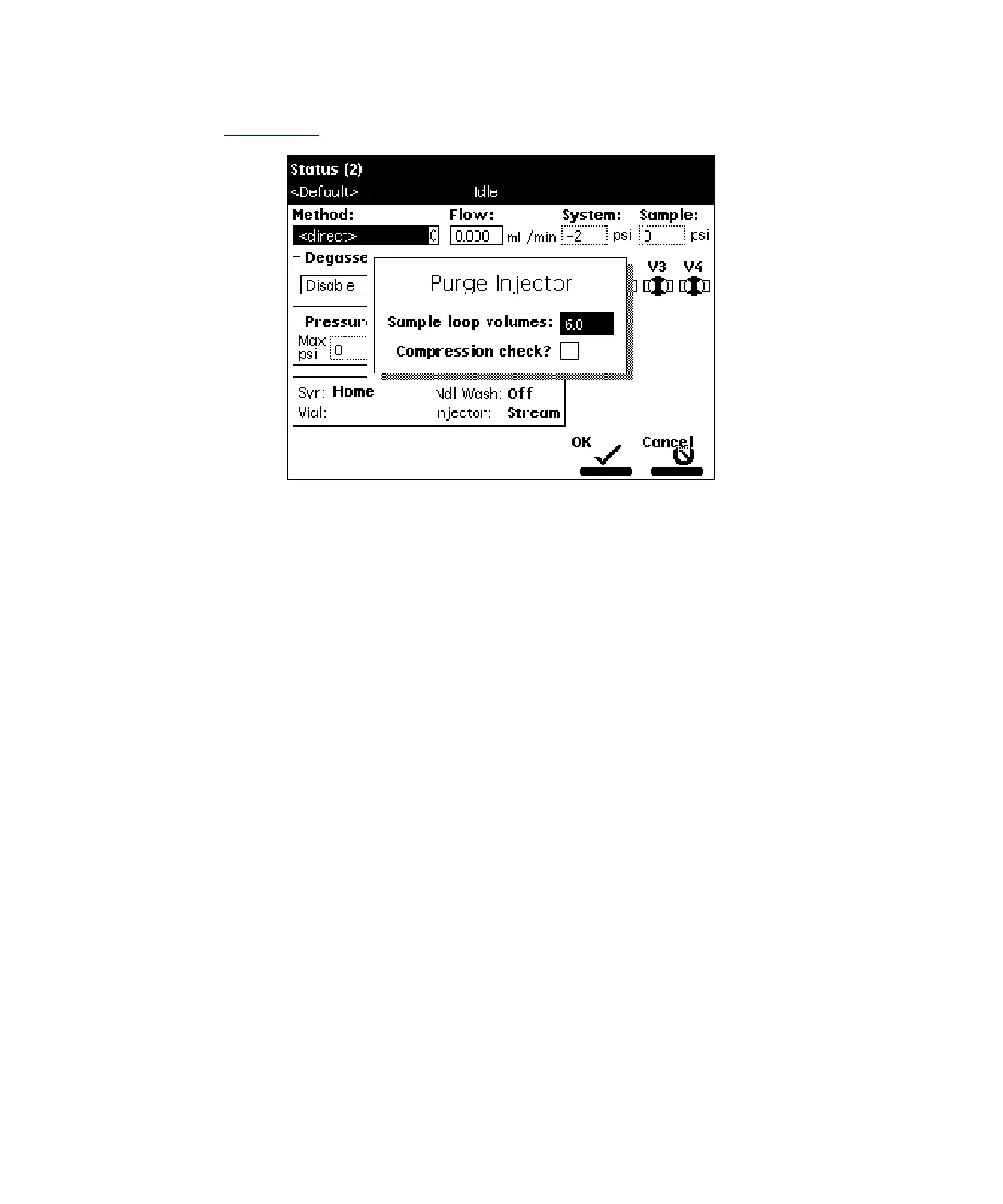
Purge Injector
, then press
Enter
. The Purge Injector dialog box appears
(Figure 2-14
).
Figure 2-14 Purge Injector Dialog Box
5. Enter the number of sample loop volumes in the Sample Loop Volumes field
(use the default value of 6.0 volumes), then press
Enter
. The solvent
management system ramps up to a predetermined flow rate to flush the sample
loop with the selected volume.
6. Leave the Compression Check check box blank the first time you start up the
system to prevent a compression test from occurring. The Separations Module
does not allow a compression test before the seal pack is adjusted.
7. Press
OK
. The purge cycle begins.
2.4.2 Priming the Needle-Wash Pump
The needle-wash pump flushes the needle in the sample management system, preventing
carryover of sample between injections. The needle wash also extends the life of the
injector seals by removing buffered mobile phase and sample from the needle.



 To Next Page