Preparing the Separations Module for Operation 27
Selecting a Needle-Wash Solvent
Use a needle-wash solvent based on the sample and mobile phase chemistries, making
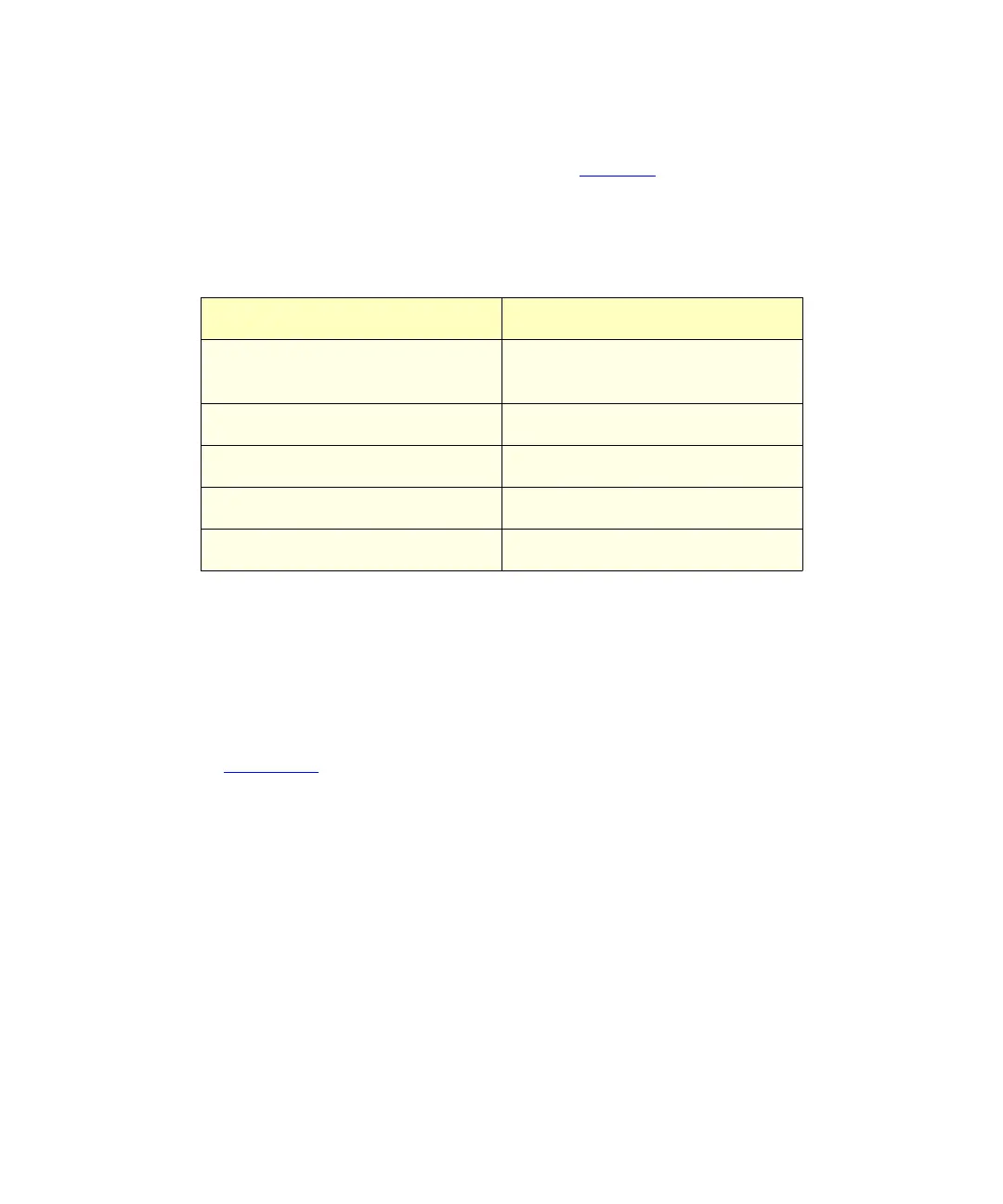
sure all solutions/buffers are miscible and soluble. Table 2-1
lists some needle-wash
solvents recommended for use with certain mobile phase conditions. High sample
concentrations may require other needle-wash solvents.
To prime the needle-wash pump:
1. Be sure the needle-wash fluidic lines are properly installed, as described in the
Waters 2690 Separations Module Operator’s Guide
, Section 2.6.6, Installing Needle
Wash and Plunger Seal Wash Reservoirs.
2. Press the
Diag
screen key in the Main screen. The Diagnostics screen appears
(Figure 2-12
).
3. Press the
Prime NdlWsh
screen key. The 30-second needle-wash procedure
begins. If solvent does not flow out of the waste tube within 30 seconds, press
the
Start Again
screen key.
2.4.3 Adjusting the Seal Pack
Adjust the seal pack whenever:
• You start up the Separations Module for the first time. The Separations Module does
not perform injections and compression checks until the seal pack has been
adjusted.
• A “Compression Check Failed” error appears on the screen
• A “Missing Restrictor” alarm appears during a diagnostic procedure
Table 2-1 Suggested Needle Wash Solvents
Chromatographic Condition Needle Wash Solvent
Buffered aqueous,
reversed-phase
90% H
2
O, 10% MeOH
Non-aqueous, reversed-phase 100% MeOH
Normal phase Mobile phase
GPC Mobile phase
Ion exchange H
2
O



 To Next Page