Making Automatic Runs 37
4.1 Making Automatic Runs in Stand-Alone Mode
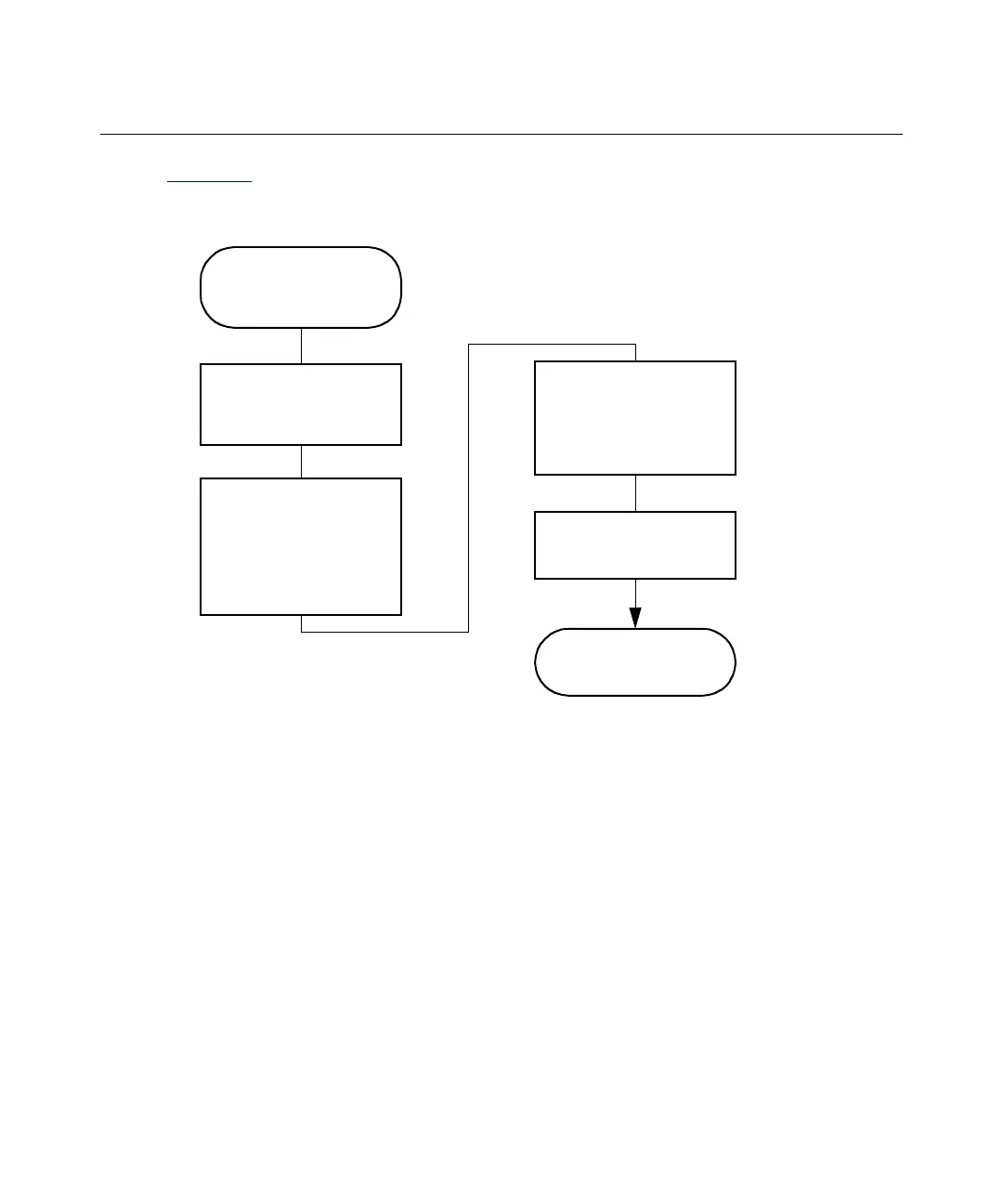
Figure 4-1 shows the steps for setting up and making an automatic run with a Separations
Module in a stand-alone configuration (System Controller or No Interaction mode).
Figure 4-1 Making an Automatic Run in a Stand-Alone Configuration
Press the
Run
Samples
Screen Key
on the Main Screen
Enter Information
Required by the
Separation Method,
Sample Set, or Sample
Te mp lat e
Press the
Run
Screen
Key to Select Conditions,
or Press the
Initial
Conditions
Screen
Key to Start the Solvent
Management System
The Run Ends as
Programmed
Select the Separation
Method, Sample Set, or
Sample Template to Run
Press the
Routine
Screen Key to Begin
the Run



 To Next Page