Preparing the Separations Module for Operation 25
2.4 Preparing the Sample Management System
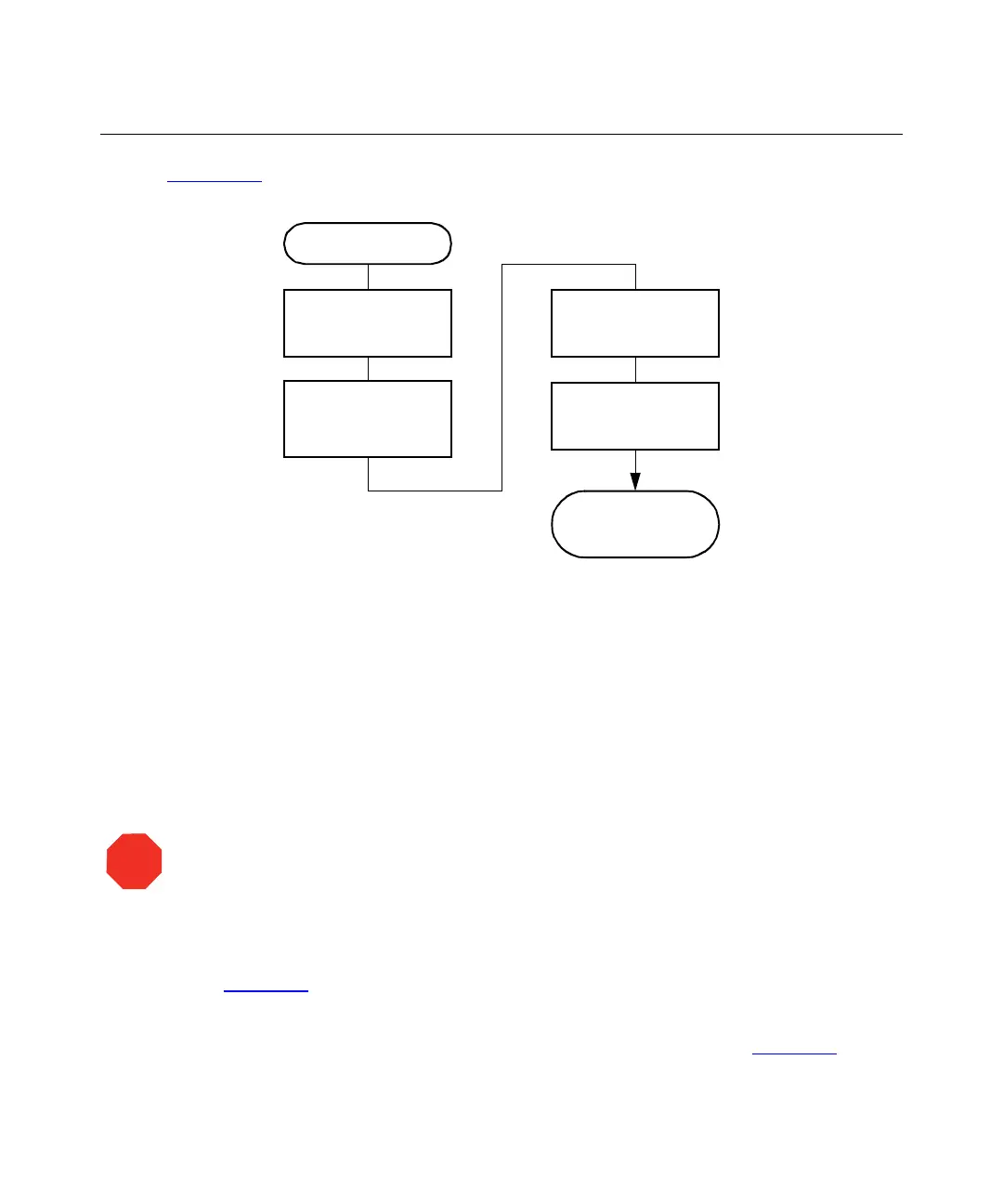
Figure 2-13 shows the steps in preparing the sample management system for operation.
Figure 2-13 Preparing the Sample Management System for Operation
2.4.1 Purging the Sample Management System
Purge the sample management system whenever you:
• Prime the solvent management system
• Change solvents
• See bubbles in the syringe
• Start using the Separations Module at the beginning of each day
To purge the sample management system:
1. In the Main screen, press the
Menu/Status
key to display the Status screen
(Figure 2-7
).
2. Enter the appropriate solvent composition in the Composition fields.
3. Press
Direct Functions
to display the Direct Functions menu (Figure 3-4
).
STOP
Attention:
To avoid precipitating salts in the Separations Module, use an intermediate
solvent such as water when you change from buffers to high-organic-content solvents.
Start
Adjust the
Seal Pack
Prime the Needle
Wash Pump
Separations
Module is Ready
to Operate
Load the
Carousels
Purge the Sample
Management
System



 To Next Page