44 Making Automatic Runs
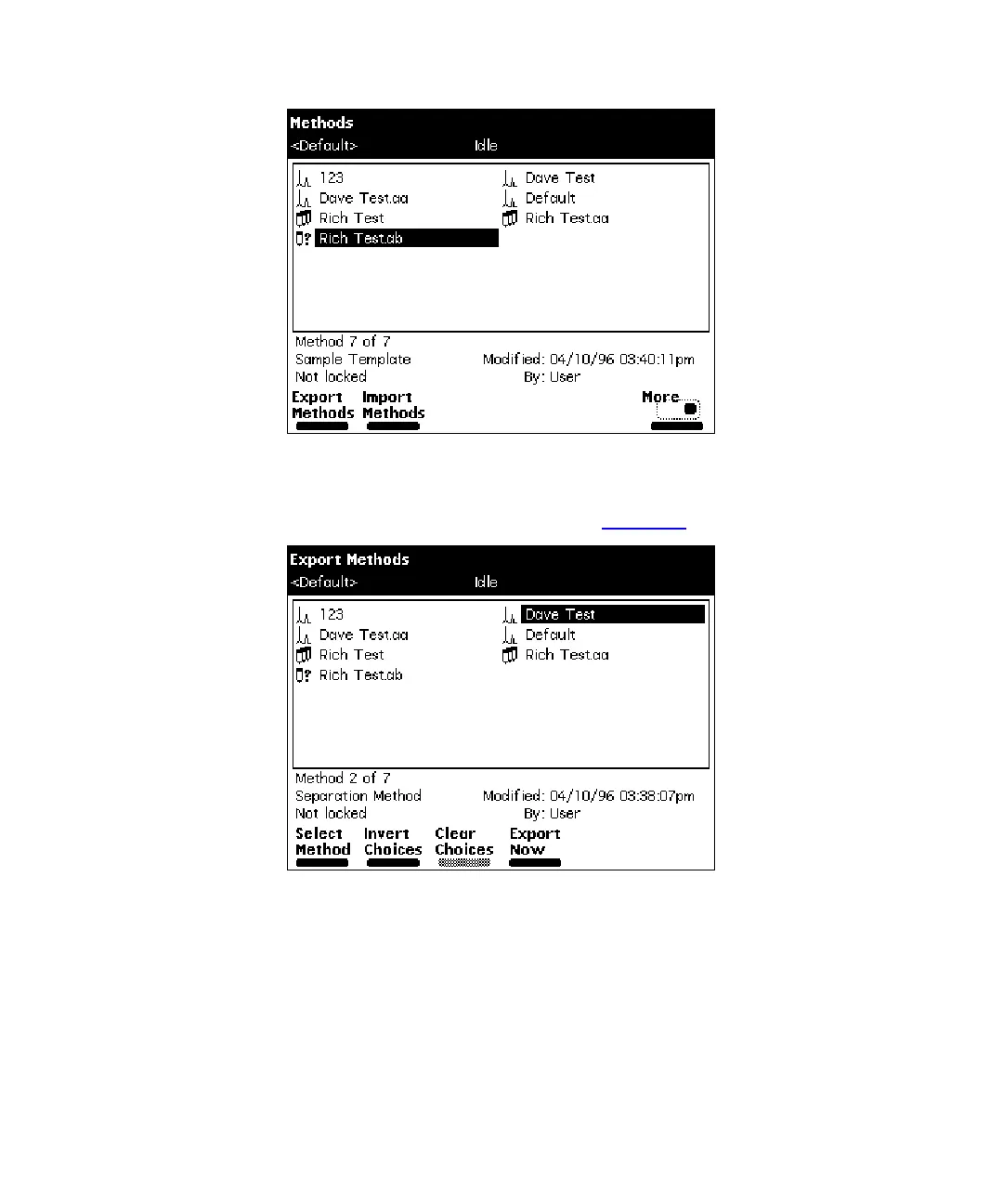
Figure 4-7 Methods Screen
3. Press the
Export Methods
screen key. The Export Methods screen appears,
displaying a list of currently stored methods (Figure 4-8
).
Figure 4-8 Export Methods Screen
4. Select the method you want to export to the disk, then press
Select Method
. To
select an additional method, select the method desired, then press
Select
Method
again.
To select all methods except the Default method:
a. Select the
Default
method, then press the
Select Method
screen key.
b. Press the
Invert Choices
screen key. All methods except the Default method
are selected.



 To Next Page