8 Preparing the Separations Module for Operation
The Main Screen
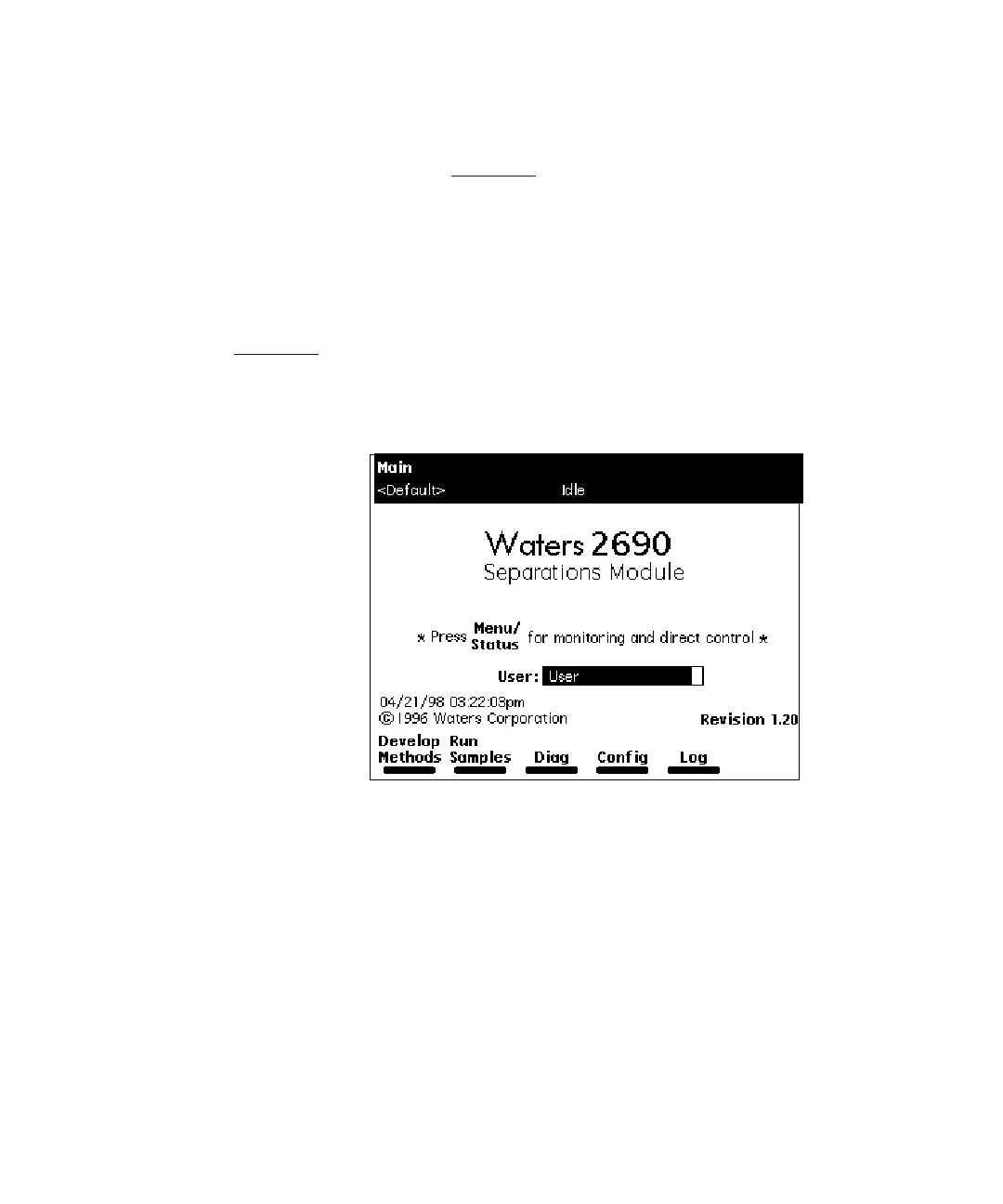
When the initial part of the startup diagnostics routine is successful, the Main screen
appears in the front panel display (Figure 2-2
). The startup diagnostics routine continues
by initializing the:
• Needle, syringe, and valves
• Carousel carrier
• Solvent management system
The statuses of these mechanical diagnostics tests appear in the banner area of the Main
screen (Figure 2-2
) while the diagnostics are running. If the startup diagnostics routine is
not successful, refer to the
Waters 2690 Separations Module Operator’s Guide
, Section
8.5, Troubleshooting. When the startup diagnostics routine is complete, the Separations
Module enters the Idle mode.
Figure 2-2 Main Screen
Banner Area
Data Area
Screen Keys



 To Next Page