November 16, 2016, 715004521 Rev. C
Page 24
To start the console within a data system:
1. On the workstation computer, start the chromatography data system, and log on.
2. Start the console from within the data system that you are using:
• In Empower software, in the Run Samples window, click Display console or
right-click, and select a menu item.
• In MassLynx software, Inlet Method, on the Additional Status tab, click Display console
.
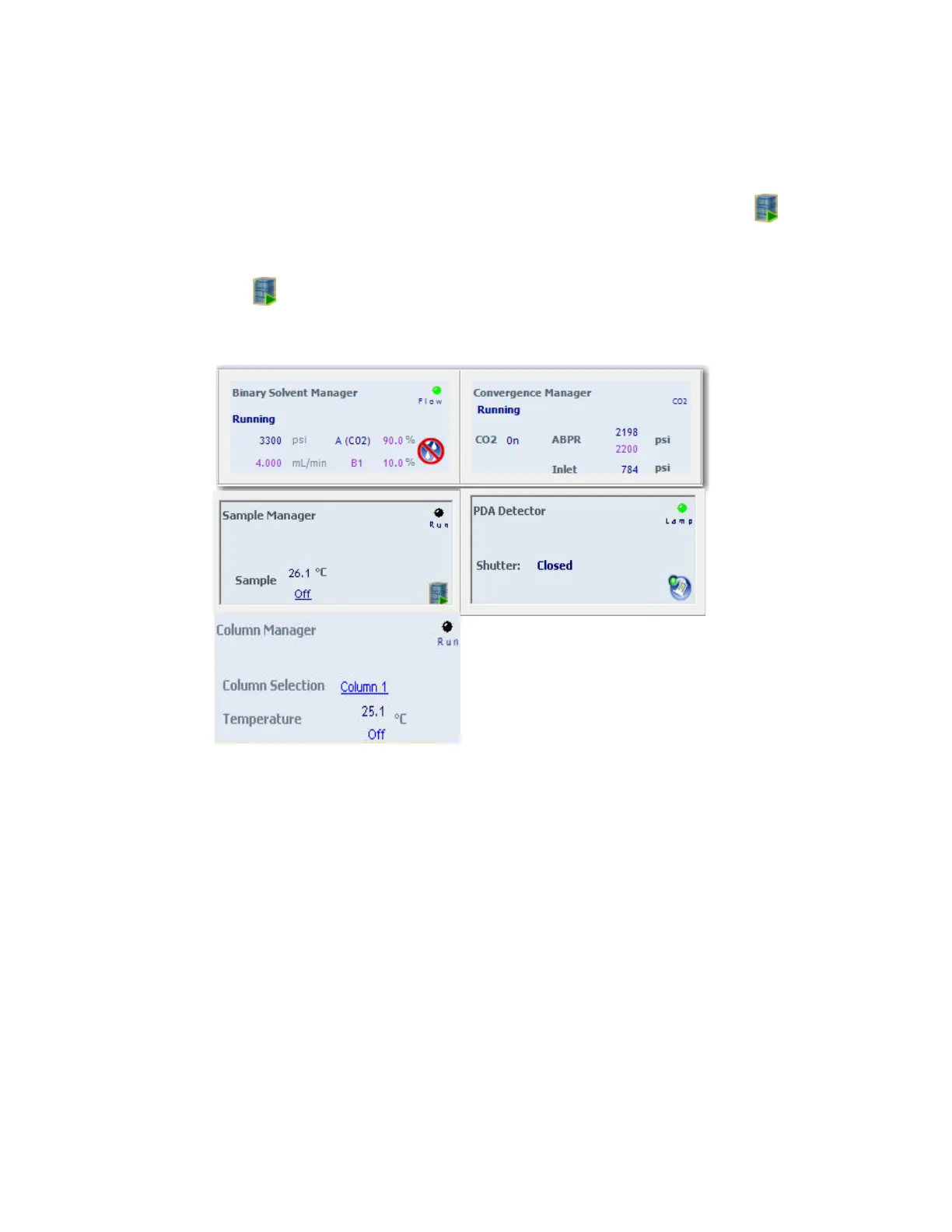
Figure 2–1: Control panels in the data system
2.2.1 Starting the console
When you start the console it displays a visual representation of the ACQUITY UPC
2
system and
the control panels for each module in the system.












 To Next Page