November 16, 2016, 715004521 Rev. C
Page 41
4.2.0.1 Required materials
• 9/32-inch nut driver
• Flat-blade screwdriver
• Connector
• Signal cable
4.2.1 Connecting external signal cables
Refer to the signal connection location shown on the silk-screened label affixed to the rear panel of
each system module.
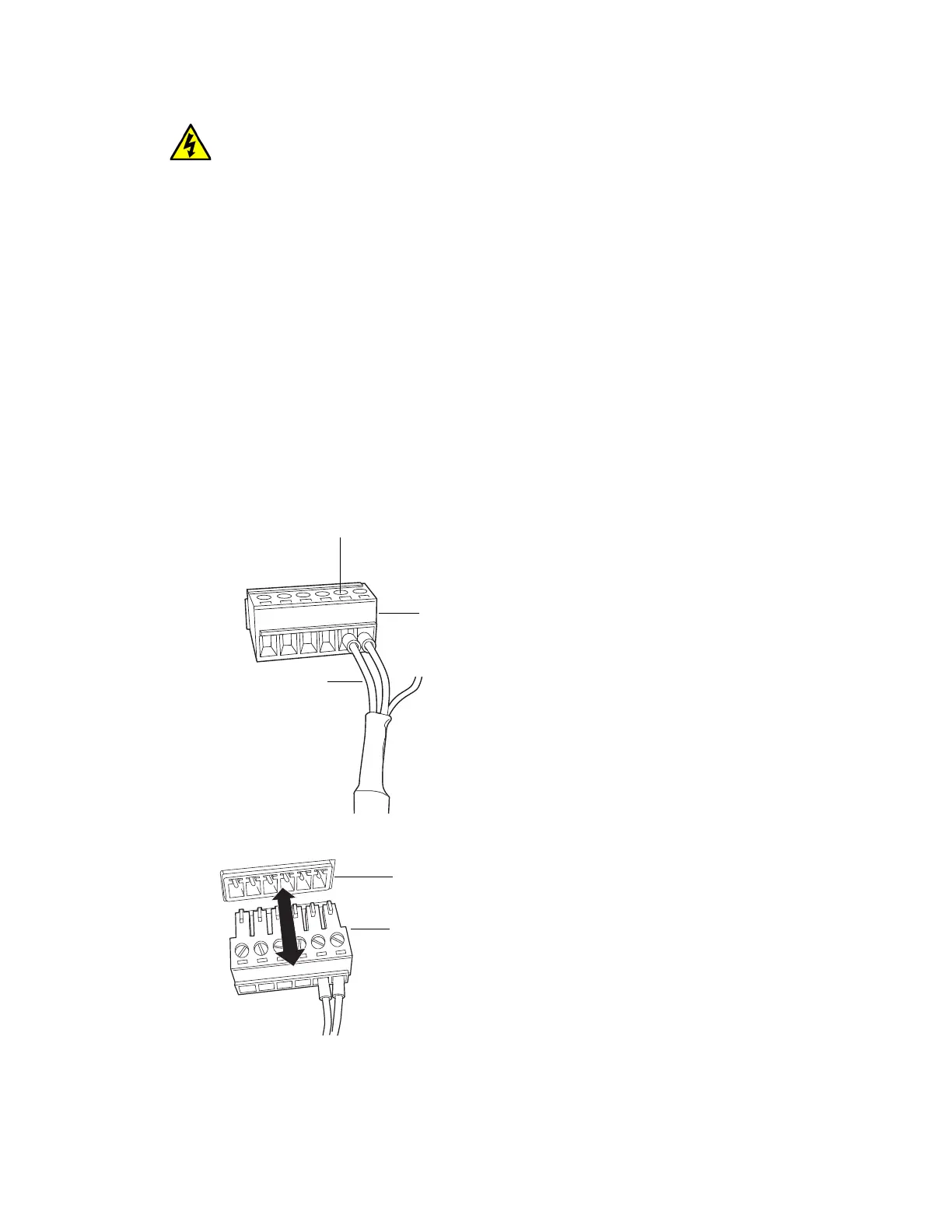
To connect external signal cables:
1. Using the flat-blade screwdriver, attach the positive and negative leads for the channels of
interest to the connector.
2. Insert the connector into the connector port on the back of the system module.
3. Fit the grounding cable’s fork terminal on the rear panel grounding stud, and secure the
terminal with the locking nut.
Warning: To avoid electric shock, always disconnect the system from its source of electrical
power before connecting or disconnecting external cables.
Signal
cable
Screw
Connector












 To Next Page