November 16, 2016, 715004521 Rev. C
Page 40
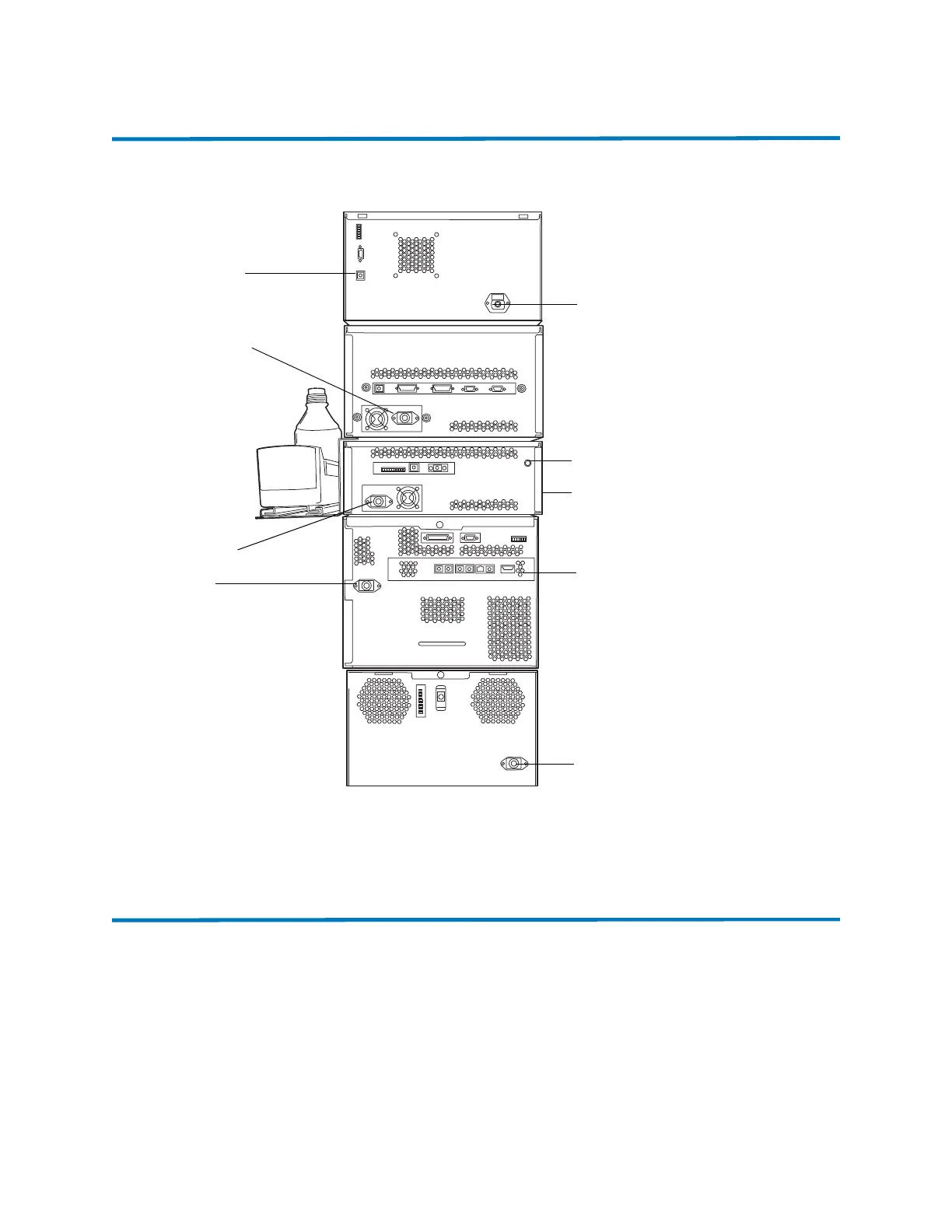
4.1 External connections
Figure 4–1: Core 1 configuration showing external cable connections
4.2 Connecting Ethernet cables
The SM-FL includes an internal 10/100/1000 megabit Ethernet switch that accommodates the PC
(workstation) and as many as six ACQUITY UPC
2
system modules. Connect the shielded Ethernet
cables from each module to the electronic connections on the rear panel of the SM-FL. The SM-FL
is connected internally to the Ethernet switch.
Requirement: If you are running more than six modules in addition to the SM-FL, use a Waters
Ethernet switch box.
PDA power
connection
Ethernet
switch
PDA Ethernet
connection
CO
2
inlet tube
connection
Inlet tube
bracket
ccBSM power
connection
CM-A power
connection
ccManager
power
connection
SM-FL
power cord












 To Next Page