November 16, 2016, 715004521 Rev. C
Page 78
Note: If your system has a CM-30S, you must complete these tasks bfore before testing the
ABPR:
• Set the operation mode to enable Bypass.
• Temporarily, install a union in place of the column in position 8 of the CM-30S.
If your system includes two CM-30S column managers, repeat these tasks for the second column
manager. Also, before you can perform the ABPR test, both column managers must be configured
to allow for a bypass.
To set the operation mode to enable Bypass:
1. From the console system tree, select the column manager.
2. From the Configure menu, select Operating mode.
3. In the Operating Mode Configuration dialog box, under “Select mode of operation”, select
“Column Selection”.
4. Select Bypass.
To test the ABPR in a system that includes a CM-30S:
1. Open the drawer to the column manager, to access the columns.
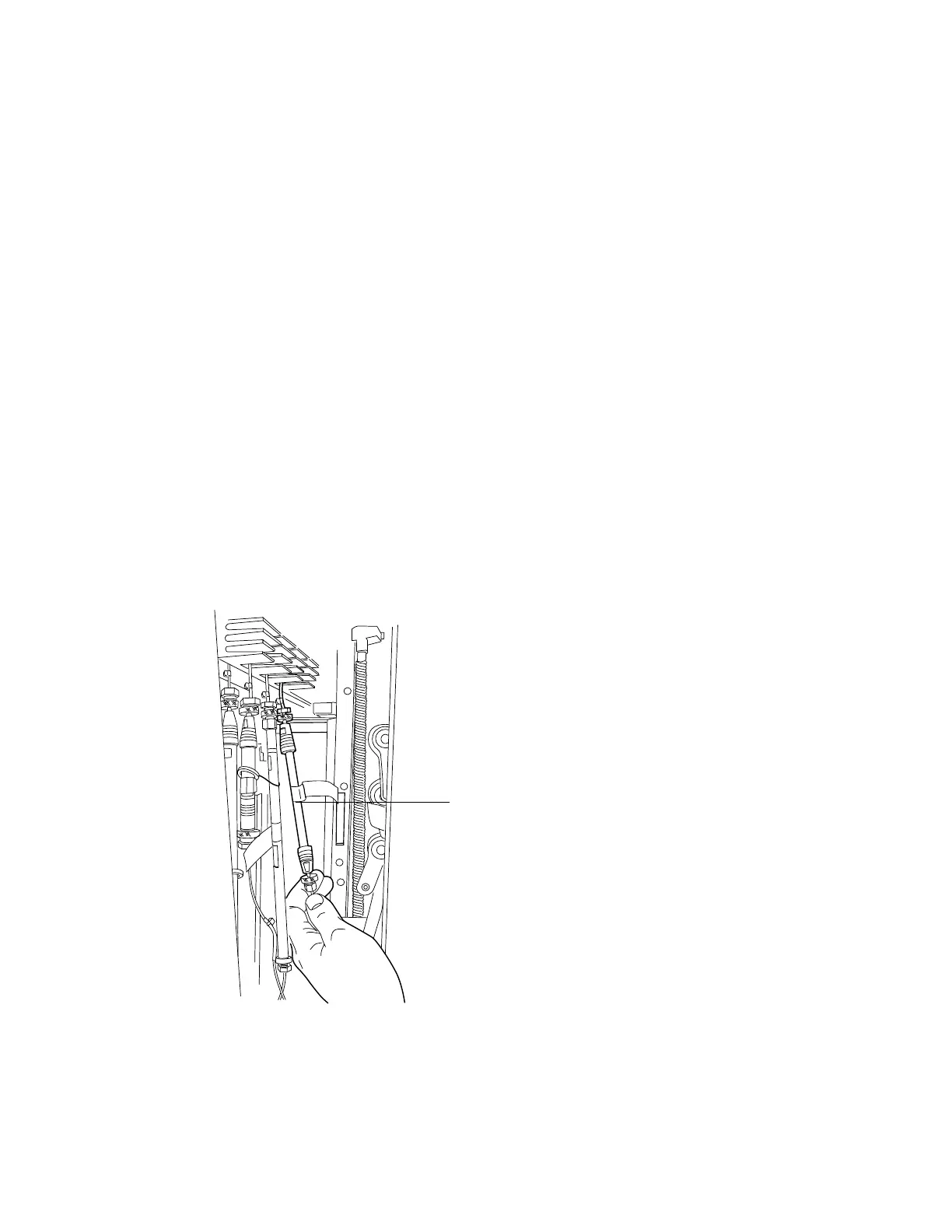
2. Remove the column from position-8 by unscrewing the outlet (bottom) and then the inlet
(top).
Figure 6–1: Removing the position-8 column
3. Screw the union to the inlet.
Position 8 is on the
right-hand side.












 To Next Page