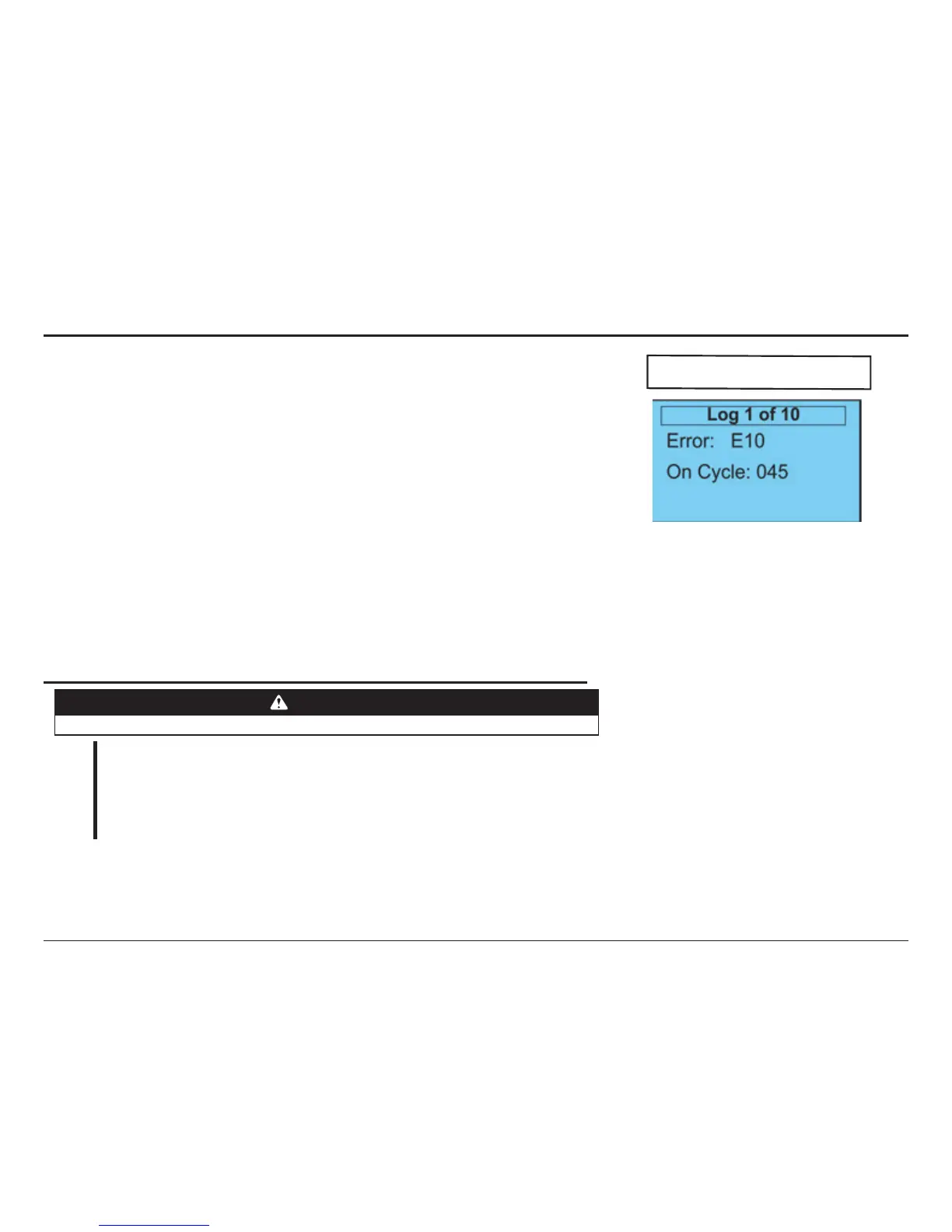
1. How to use the keypad to retrieve operation events, fault/shutdown messages, and system
status
(Also see Section 7—Troubleshooting)
• With the unit idle
– Enter the System Status menu.
– Scroll through the list of choices until you reach the Fault Log menu and enter.
– Scroll through the list until you reach the information you’re looking for.
– When nished exit the menus and return to the main screen.
NOTE: The items in the Fault Log are listed in reverse chronological order with number 1 being the most
recent and the highest number being the oldest.
• If NO keys are pressed for 120 seconds, display will exit back to the main menu.
• Motion can occur and panel responds normally to inputs while in the System Status Menus.
Set Up Check List
CAUTION
Check ALL items below to ensure that the Control Panel is installed and operating properly.
CHECK
– The door operates using all installed control devices.
– The door runs to its full open and full closed positions.
– The Entrapment Protection Device(s) will reverse a closing door when actuated.
– The proper Actuator selections are made to activate timers.
– The Hand Crank interlock switch prevents motor/door movement when the hand
crank is lifted OFF its support bracket.
If the panel is in a location where public access is possible, install a means to limit access to
the inside of the panel.
INFORMATION MENU




 To Next Page