CFW500 | 35
Powering up and Startup
English
Step Indication on the Display/Action Step Indication on the Display/Action
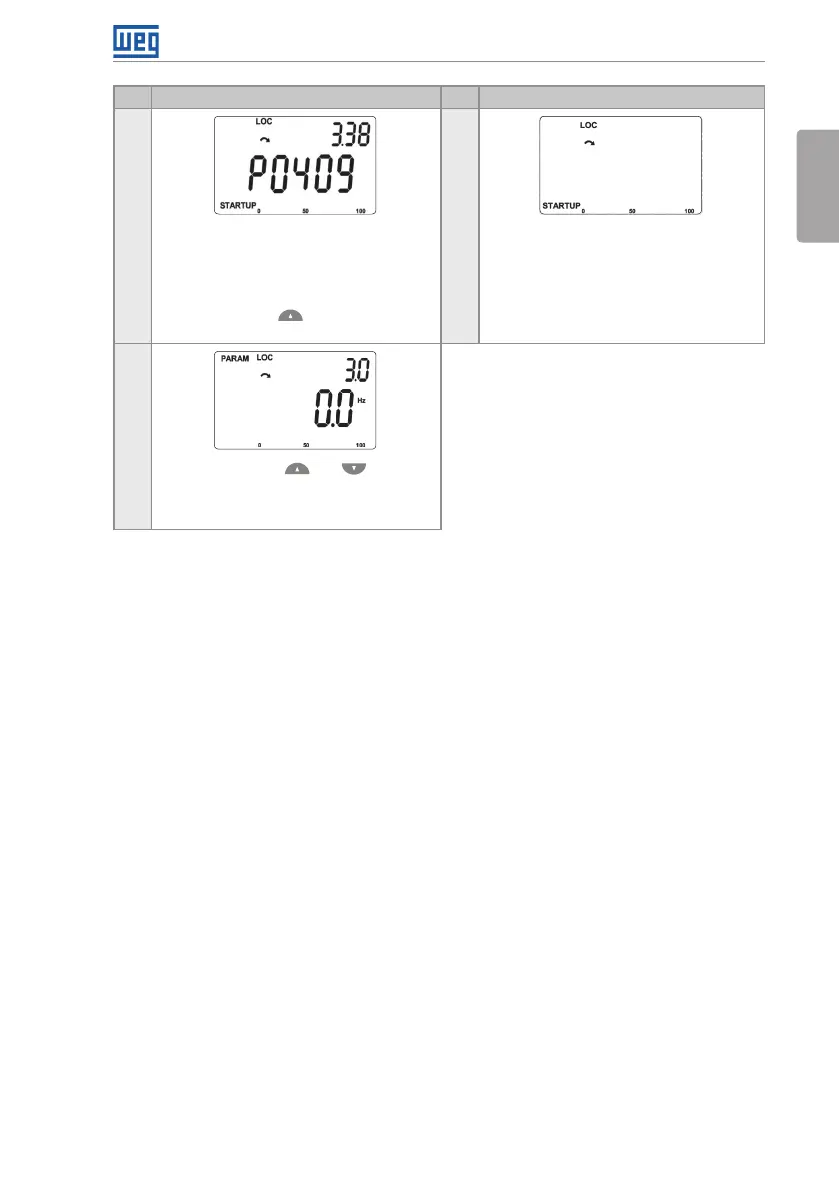
19 20
The result of Self-Adjustment is the value in
ohms of the motor stator resistance shown
in P0409
This is the last parameter of the Self-
Adjustment of the VV W control mode.
Press the key to return to initial
parameter P0202
To exit the STARTUP menu, just press
BACK/ESC
21
Through the keys and , select the
desired menu or press the key BACK/ESC
again to return directly to the monitoring
mode of the HMI
Figure 5.3: Sequence of the startup group for VVW control





 To Next Page