110 03/2016 – UM-MT-EN-01
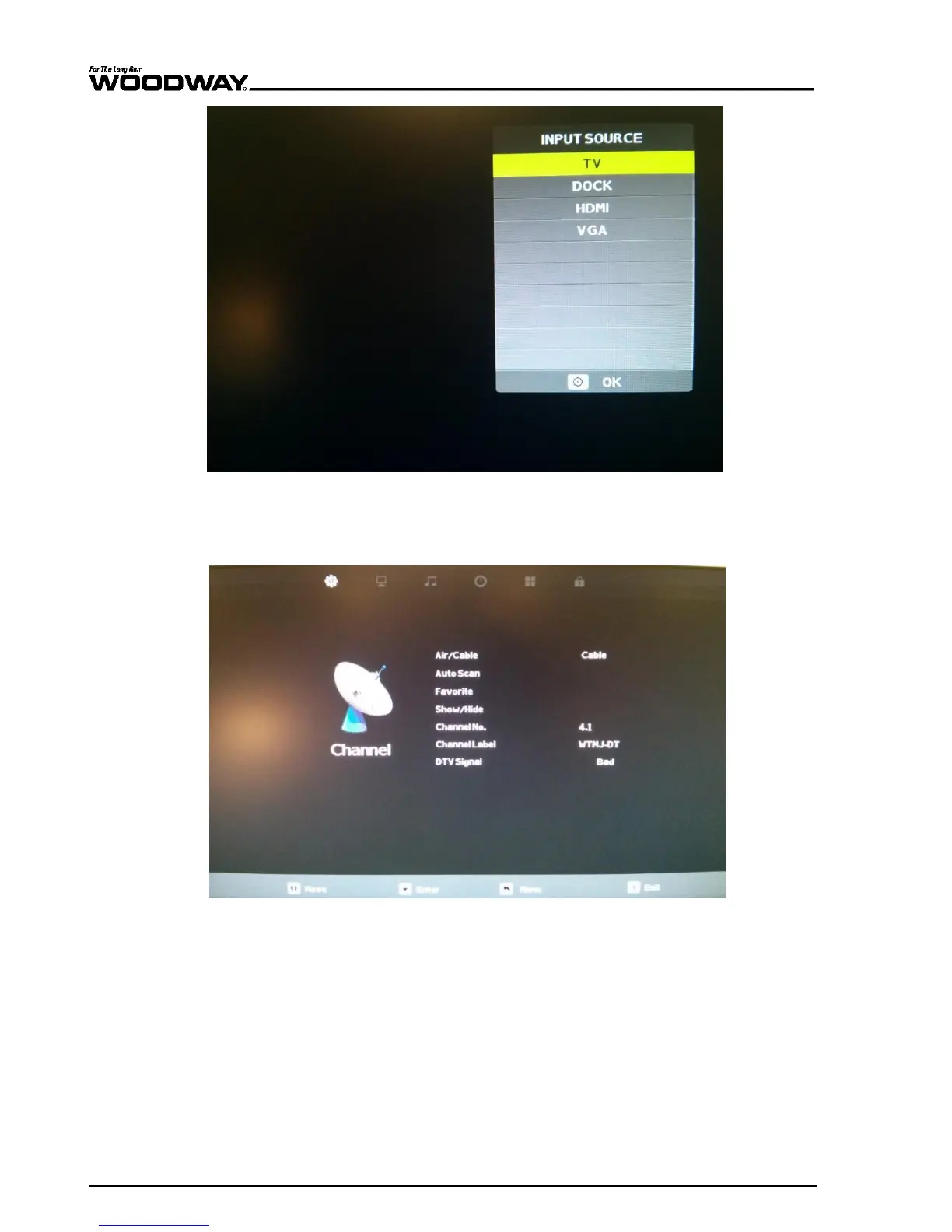
Fig. 99 Input menu
3. With the TV set to the correct input mode, press and hold the ENTER key for 5 full seconds.
Release the ENTER key and press the BACK button. This will open the TV menu screen. Re-
lease the button when the menu appears.
Fig.
100
TV Menu screen
4. When viewing the TV menu screen:
Use the VOL[+] and VOL[-] buttons to move across the different menu icons on the top
of the screen.
Use the CH[+] and CH[-] buttons to scroll through different menu items.
When highlighting a submenu item, use the VOL[+] and VOL[-] to toggle through the
options for that item, e.g. the “AIR/CABLE” input options within the “CHANNEL” sub-
menu.
Press ENTER to confirm your selection.
Press the BACK button to return to the previous menu level.





 To Next Page