03/2016 – UM-MT-EN-01 113
To adjust closed caption settings, first follow Steps 1 – 4 to navigate to the TV Menu
screen. Then follow the steps outlined as follows:
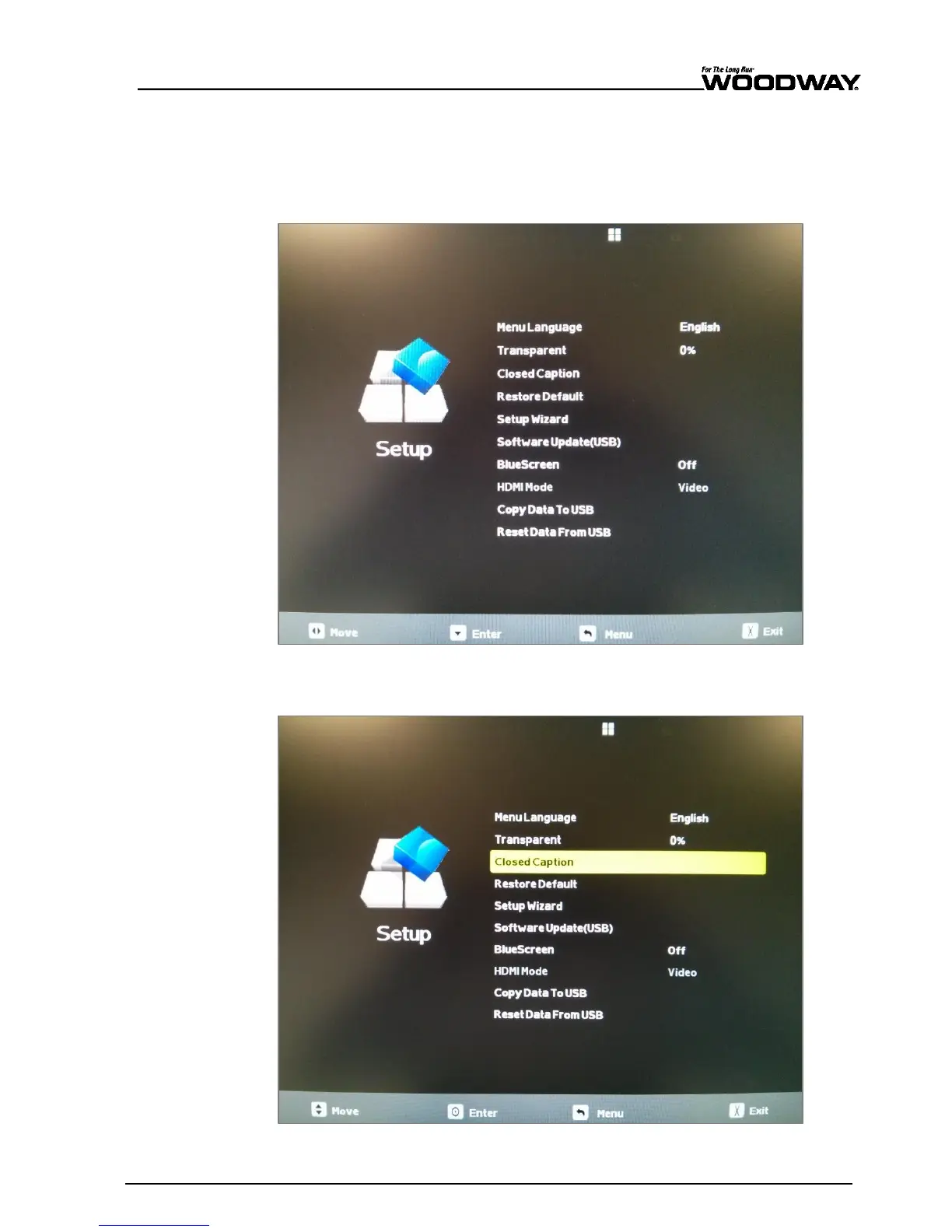
To adjust closed captions, you must be in the “SETUP” submenu.
1. Once viewing the TV menu screen, use the VOL[+] and VOL[-] buttons to navigate
the menu items until you reach the “SETUP” submenu as pictured below.
Fig. 105 Setup menu
2. Press the CH[-] key to move through the menu and select “CLOSED CAPTION”.
Fig. 106 Closed caption option





 To Next Page