112 03/2016 – UM-MT-EN-01
8. Press ENTER or VOL [+] to begin the scan.
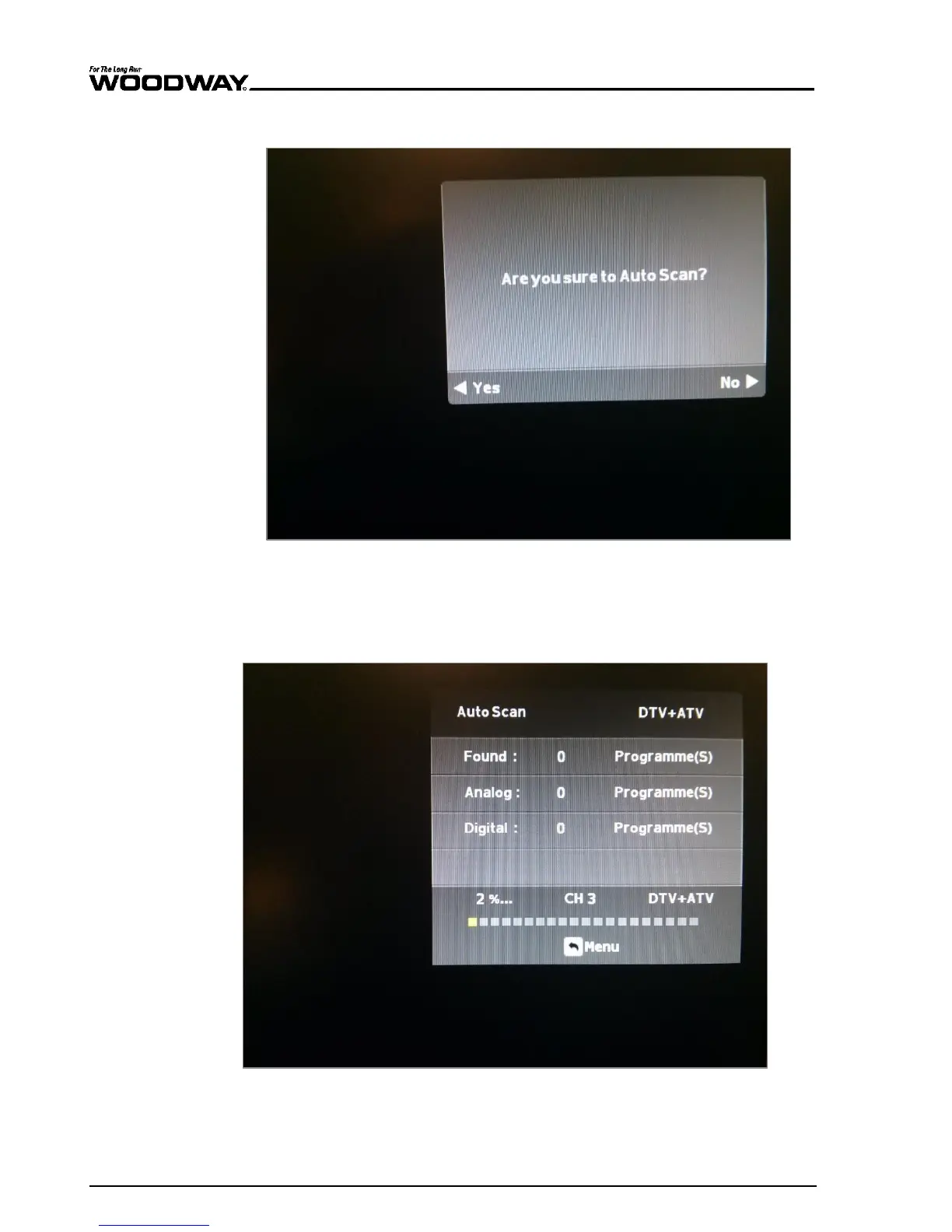
9. A pop-up box will ask if you are sure you wish to continue.
Fig. 103 Are you sure pop up
10. Press the VOL[–] key to accept the warning and begin the scan.
The TV will then begin to scan the channels and display the current status and the overall
progress.
Fig. 104 AutoScan progress
Once finished, the TV will tune to the first available channel found.





 To Next Page