86 03/2016 – UM-MT-EN-01
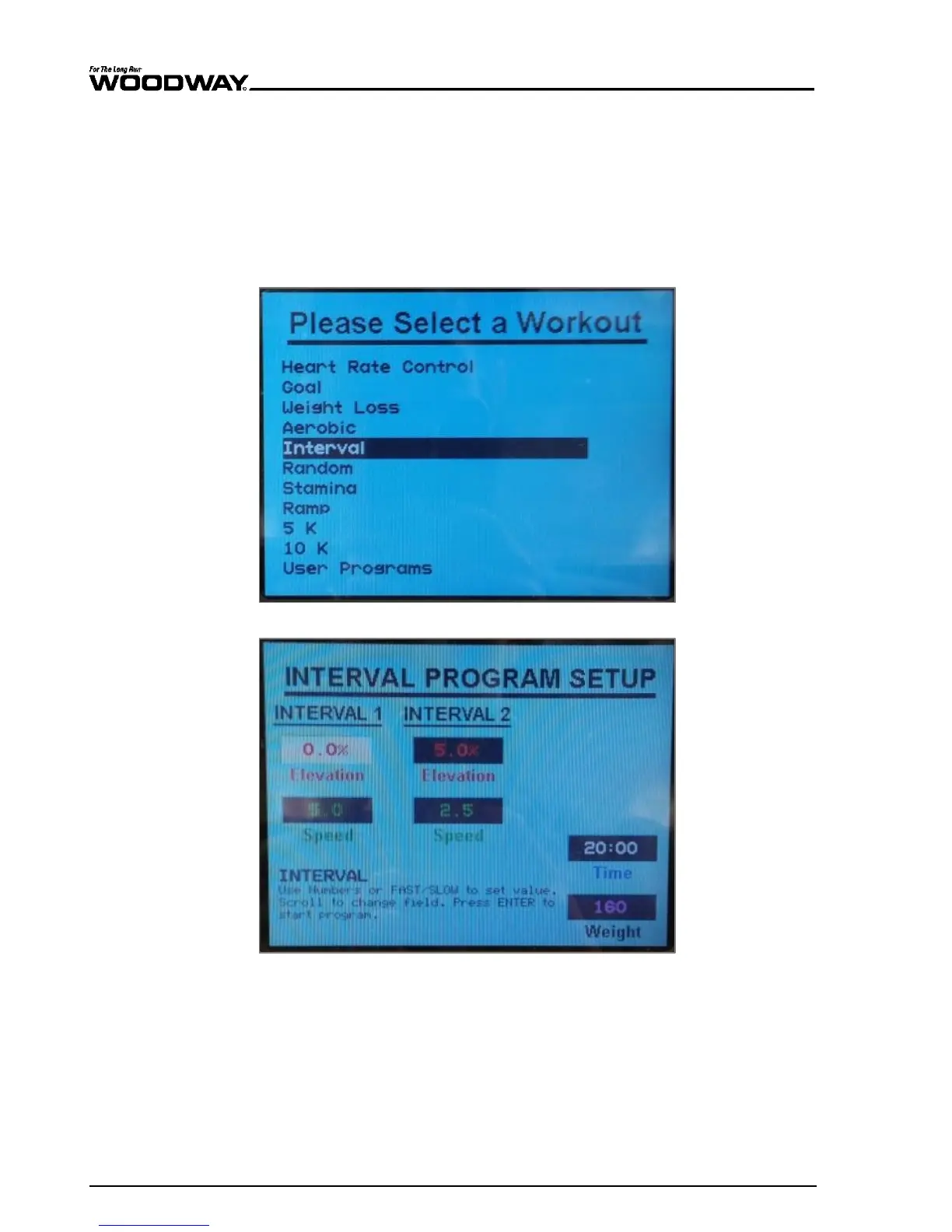
Follow the instructions below to set up and begin the Interval fitness program.
1. To open the program setup screen, first press the “FITNESS PROGRAMS” button on
the left side of the screen. Once there, use the SCROLL keys to highlight the “Inter-
val” program and then press ENTER.
2. Once in the program setup screen, use the SCROLL keys to toggle between the vari-
ous fields. Adjust to the desired value in each field using either the FAST/SLOW keys
or the number pad. Speed and Incline must be entered for each interval as well as
the desired overall time and the user’s weight. Once all fields show your desired set-
tings, press ENTER to begin.
Fig. 80 Fitness Programs menu – Interval
Fig. 81 Data entry – Interval





 To Next Page