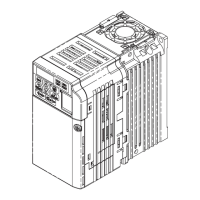
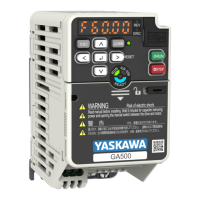
8.5 Replace the Drive
320 YASKAWA SIEPC71061753C GA500 Technical Manual
Figure 8.23 Attach the Control Circuit Board
3. Attach the keypad and front cover to the new drive.
4. Energize the drive and set these parameters:
• o2-04 [Drive Model (KVA) Selection]: Set this parameter to the model number of the new drive.
• o4-01 to o4-13 [Maintenance Period]: Reset the performance life monitors for the components.


 To Next Page
 Loading...