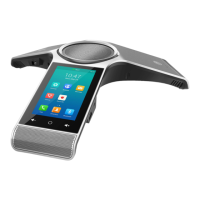
Yealink CP960 User Guide
32
2. Do one of the following:
l Drag the backlight slider.
When dragging the slider, the control center (except the backlight slider) and notification center will be hidden.
You can view the intensity changes of the touch screen in real-time.
If you lift your finger, the control center and notification center will be shown again.
l Tap
.
The intensity of the touch screen is changed to the highest.
l Tap
.
The intensity of the touch screen is changed to the lowest.
Related Topic
Changing the Backlight and Time on Idle Screen


 To Next Page
 Loading...