Service Kit Installation Procedures
906-0731-04-01 Rev. C ZOLL Ventilator Service Manual 4–59
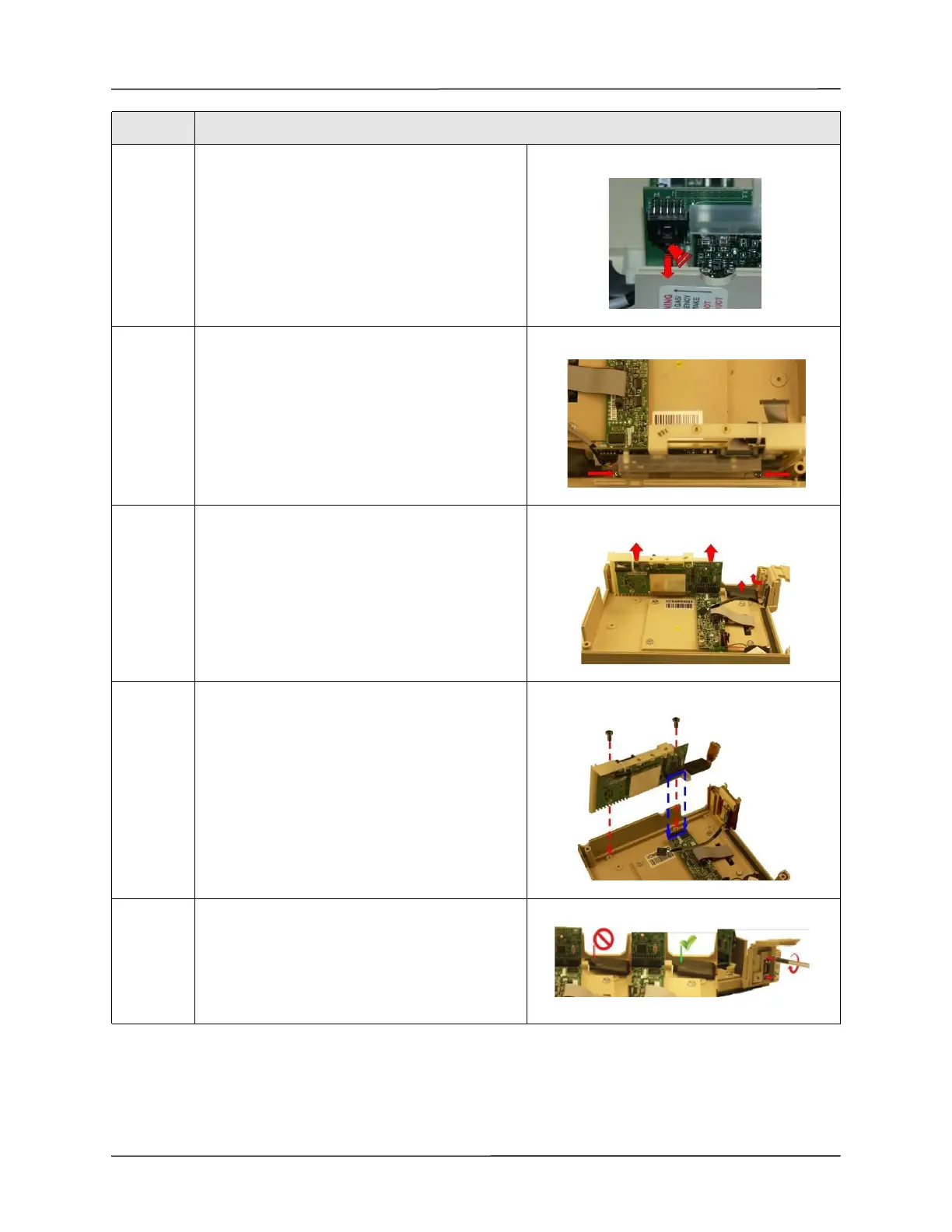
7 Disconnect the USB cable by pressing on locking
tab and pulling cable downwards.
8 Loosen and remove the two 6-32 x 5/16 screws
that hold the CPU/UIM & SpO
2
Stack to the front
case.
9 Lift the CPU/UIM & SpO
2
Stack up from the front
case.
Note: Handle the SpO
2
cable with extreme care.
Do not pull on the cable.
10 Tighten the two 6-32 x 5/16 screws that hold down
the new CPU/UIM & SPo2 Stack to the front case.
Note: Make sure that all the pins on the header
mate correctly.
11 Make sure the SpO
2
Flex Cable lays flat against the
front case and is routed correctly into the UIM
Bracket and SpO
2
Isolation Shield.
Insert and tighten the two M2.5 x 5mm screws
holding the SpO
2
cable to the front case.
Step Action



 To Next Page