Service Kit Installation Procedures
4–102 www.zoll.com 906-0731-04-01 Rev. C
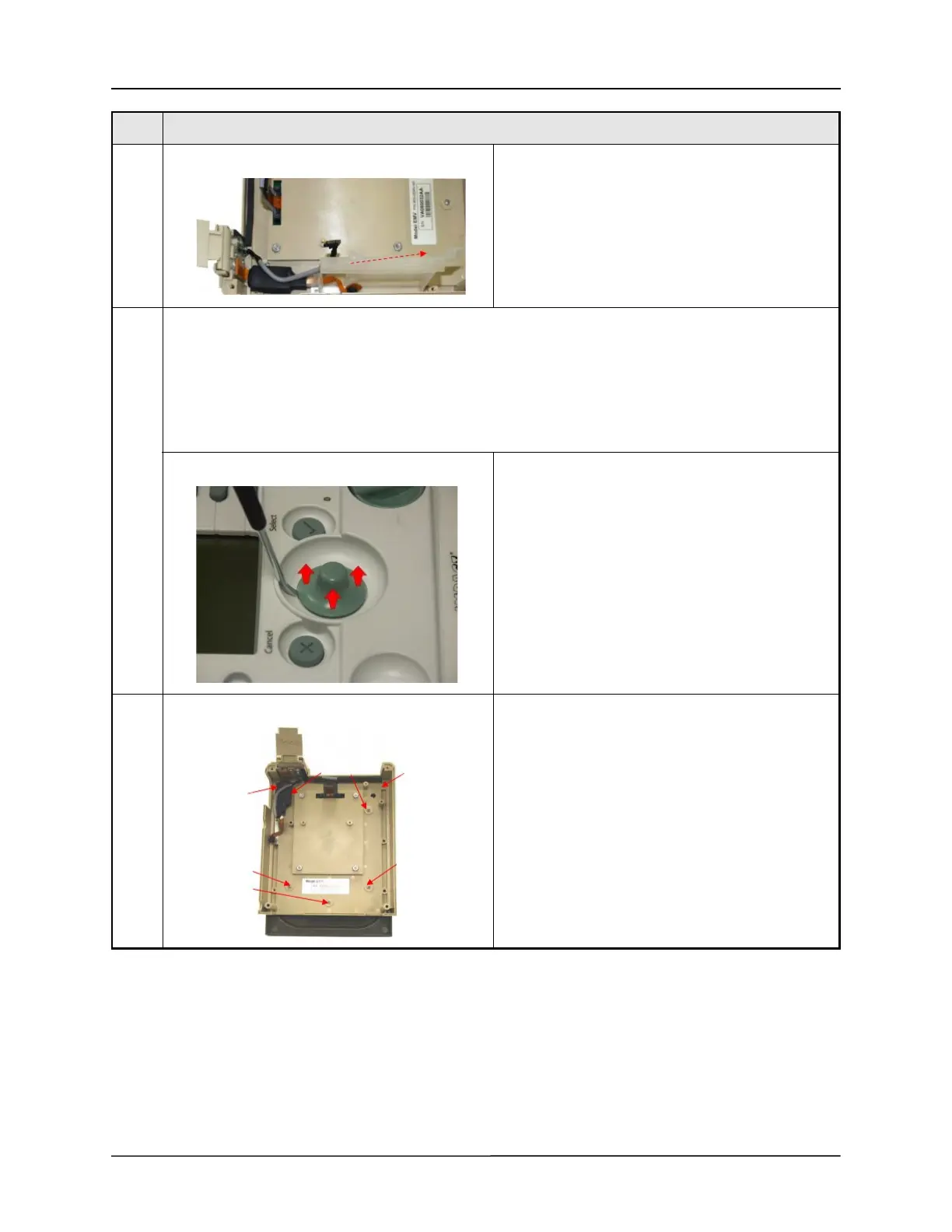
11 Slide the Pulse Oximeter plastic housing away from
the ribbon cable.
12 Membrane Panel/Button Board:
• 712-0731-35Kit, Membrane Panel, Tan
• 712-0731-36Kit, Button Board Assembly, Tan
• 712-EGL2-22Kit, Button Board Assembly, Teal
LCD:
• 712-0731-39Kit, LCD Display
For Eagle II ventilators start by removing the Selector
knob by prying the knob up from the case.
13 Remove the seven (7)
(4) 4-40 x ¼" Philips Pan Head screws securing the
Front Case to the Front Panel.
Step Procedure



 To Next Page