Service Kit Installation Procedures
4–106 www.zoll.com 906-0731-04-01 Rev. C
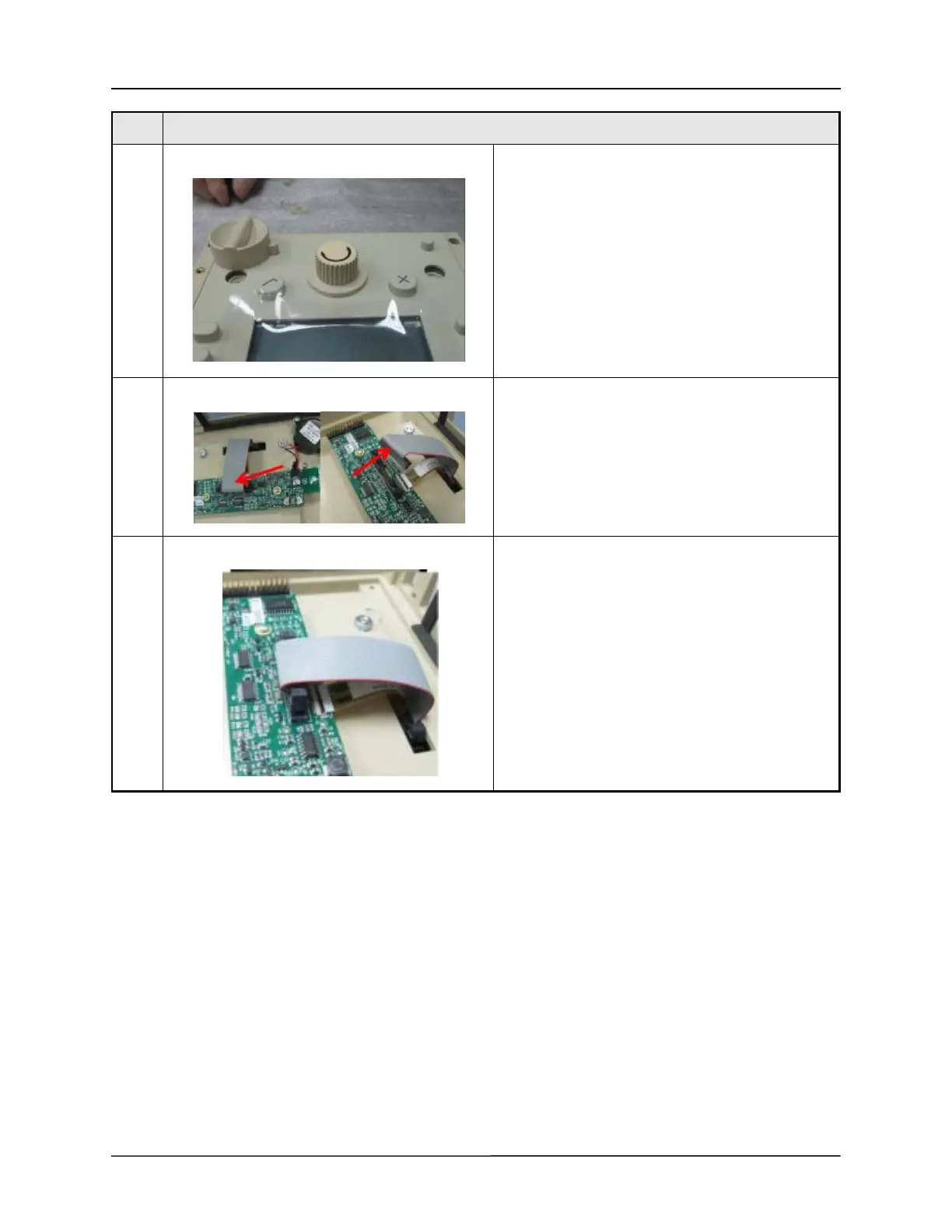
24 Ensure proper key orientation and install selector
knob to assembly.
Note: Eagle II units will have the selector knob
installed during front case assembly.
25 Carefully unplug membrane panel/button board
ribbon cable from J3 of UIM adapter board.
26 Ensure proper key orientation and connect
membrane panel/button board ribbon cable to J3 of
UIM adapter.
Step Procedure



 To Next Page