Pannoramic SCAN II 2.2.0 User’s Guide 5.3.5 Table view mode
5.3.5 Table view mode
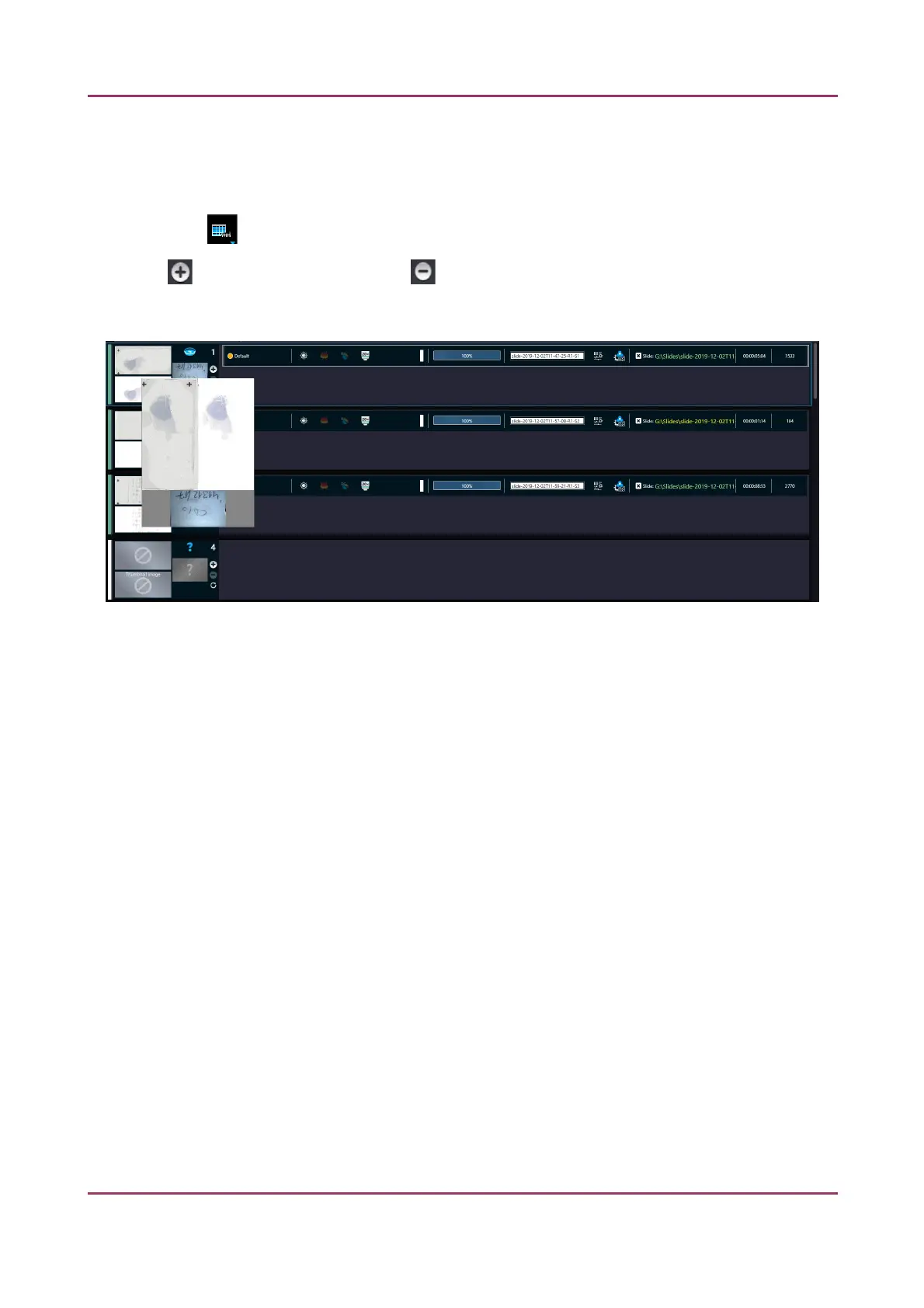
By clicking each slide will be displayed in a separate row.
Click to assign profile to a slide, and to detach a profile from a slide. A slide can have more
than one profile assigned to it, and these profiles can either be BF or FL if the scanner is capable to
operate in these two scanning modes.
Figure 75 – Table view mode
In Table view the following information are displayed in the profile strip based on the loaded profile:
• Profile
• Illumination
• Priority
• Quant probe
• Objective
• Filters
• Progress
• Scan properties: The location of the virtual slide with the selected profile can be defined
◦ Scan result
◦ Scan duration
◦ Scanned FOVs
◦ Total no. of FOVs
January 24, 2020 - Rev. 2 3DHISTECH Ltd. 108(156)


 To Next Page
 Loading...
