PCS100 UPS-I User Manual 61
7.1.6 Menu Page
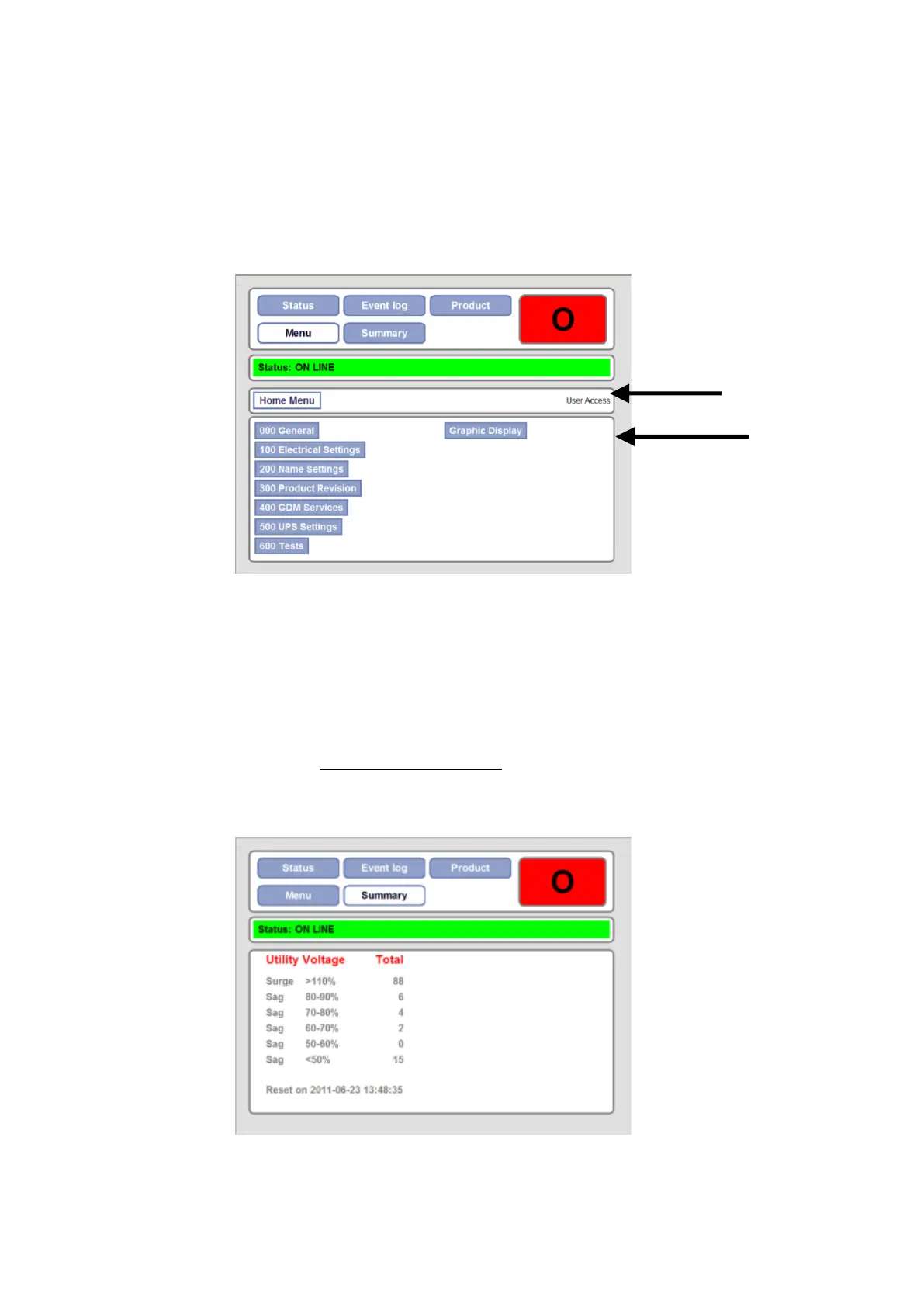
The menu provides access to the PCS100 UPS-I and GDM parameters for viewing and/or adjustment.
It is organized into menus and sub menus which contain the parameters. Each folder and parameter is indexed by
three characters to the left of the name.
The navigation panel shows the current position in the menu.
For a full listing and description of the parameters refer to Section 10.
Figure 7-10: GDM Menu Page
7.1.7 Summary Page
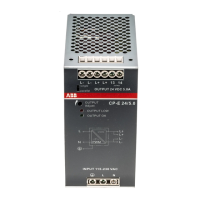
The Summary Page shows the running totals of power quality events in various voltage ranges.
The totals are cleared via parameter 052 Reset Power Quality.
The time the summary was last cleared is shown at the bottom of the page.


 To Next Page